
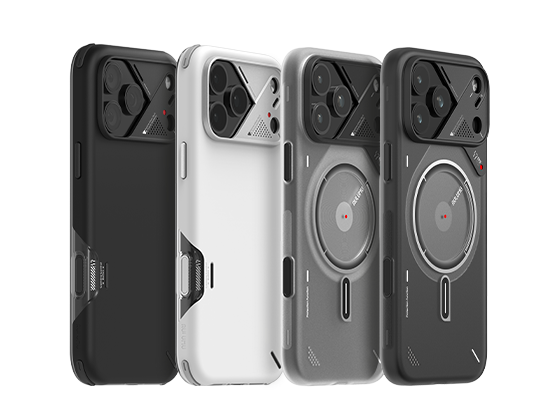
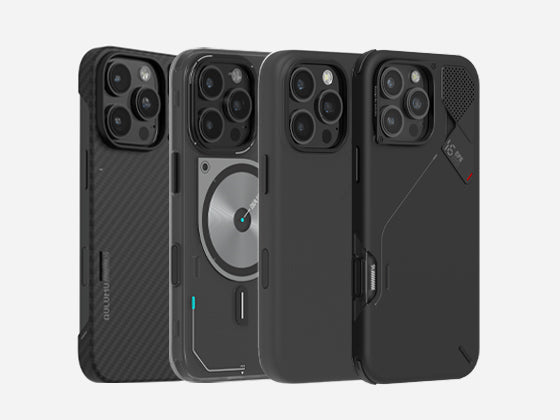
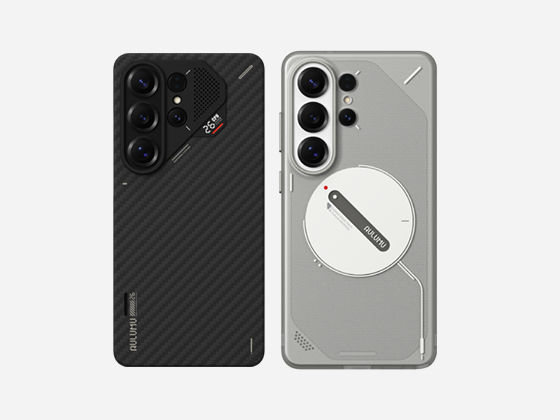
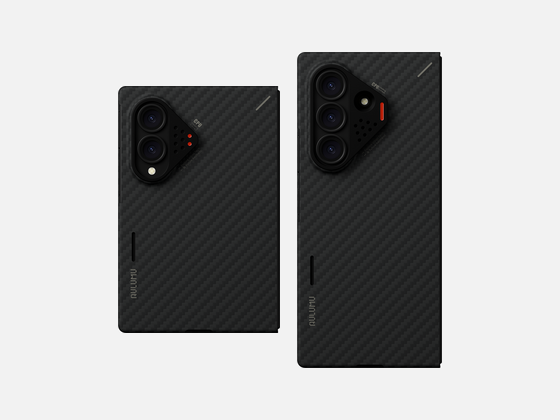
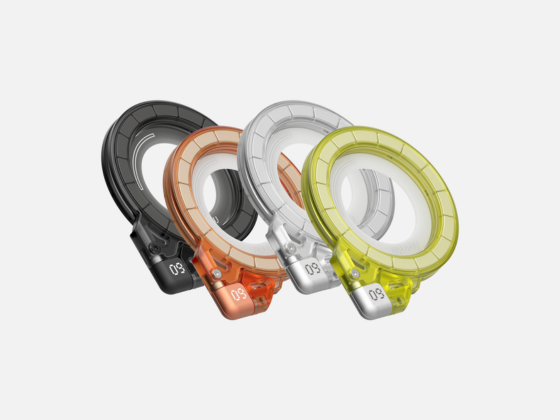
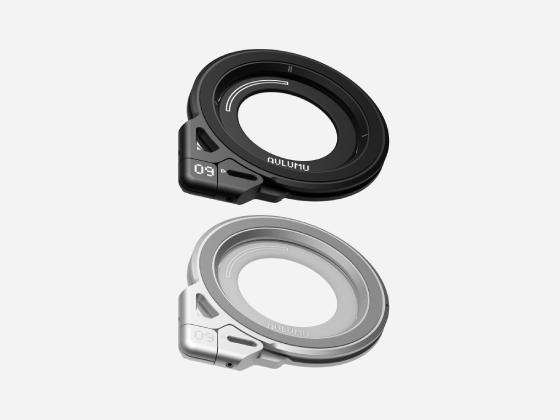
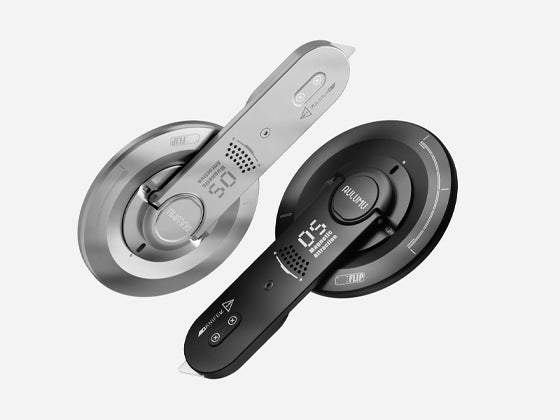
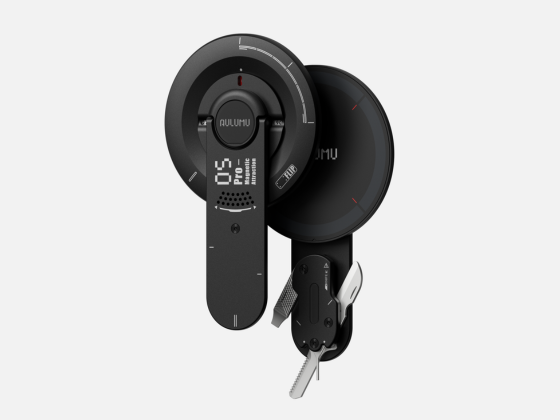






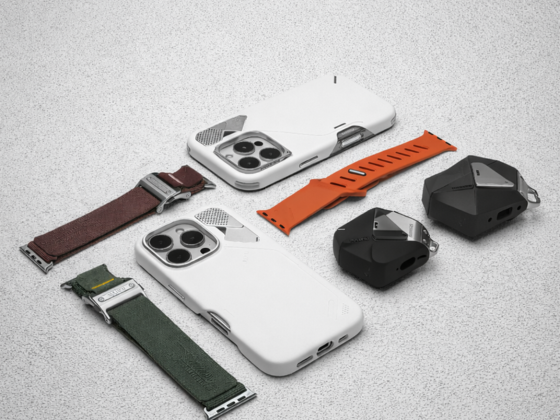

A18 Case
Installation Guide
Follow these simple steps to install and remove your A18 case correctly.
How to Install
Install the case gradually. Do not force the phone into place.
Align the Camera
Align the iPhone camera module with the camera guard.
Insert One Side
Place one side of the iPhone into the case first.
Press In the Corners
Press the remaining corners into place one by one.
Check the Fit
Make sure all edges, buttons and the camera area are aligned.
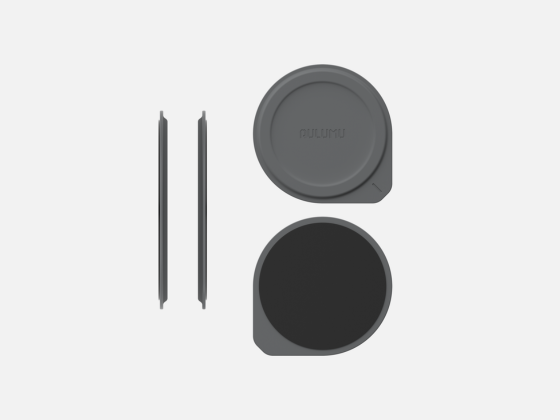
If your A18 case includes a silicone camera pad, install it before inserting your iPhone.
How to Remove
Release the case gradually instead of pulling it off with force.
Start at the Corner
Start from the upper-right corner.
Release the Edge
Gently push the phone out while pulling the case edge away.
Remove the Phone
Release the remaining corners and lift the phone out.
Do not pull directly on the aluminum camera guard or use sharp tools to remove the case.