
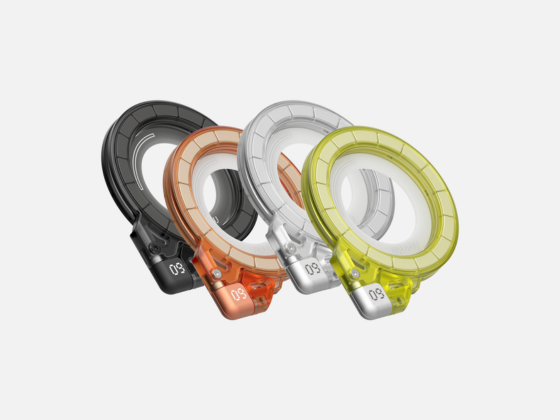
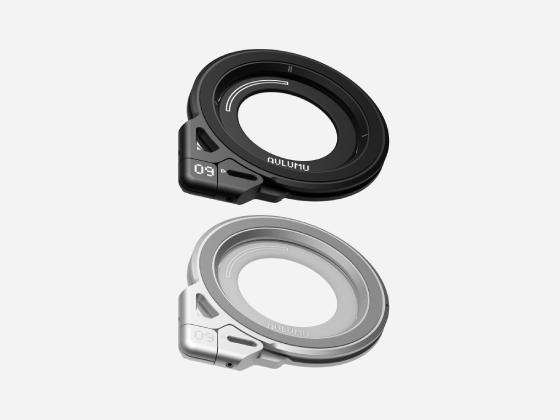





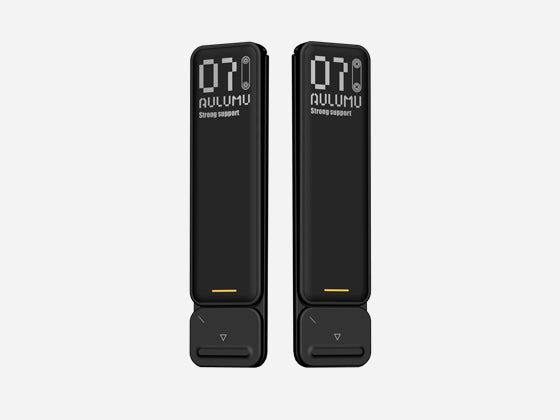







G07 POP-UP Laptop Kickstand-Black
✓ 7-day returns
✓ secure checkout
✓ 5-10 business days to delivery
✓ free shipping for all order
Choose options
✓ 7-day returns
✓ secure checkout
✓ 5-10 business days to delivery
✓ free shipping for all order
✓ 7-day returns
✓ secure checkout
✓ 5-10 business days to delivery
✓ free shipping for all order
Portable Ergonomic Pop-Up Leg Stand for Laptop
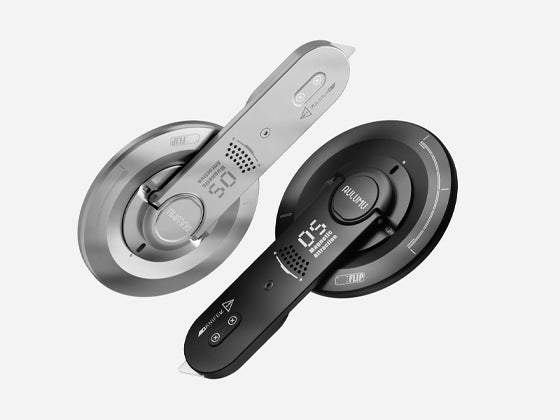
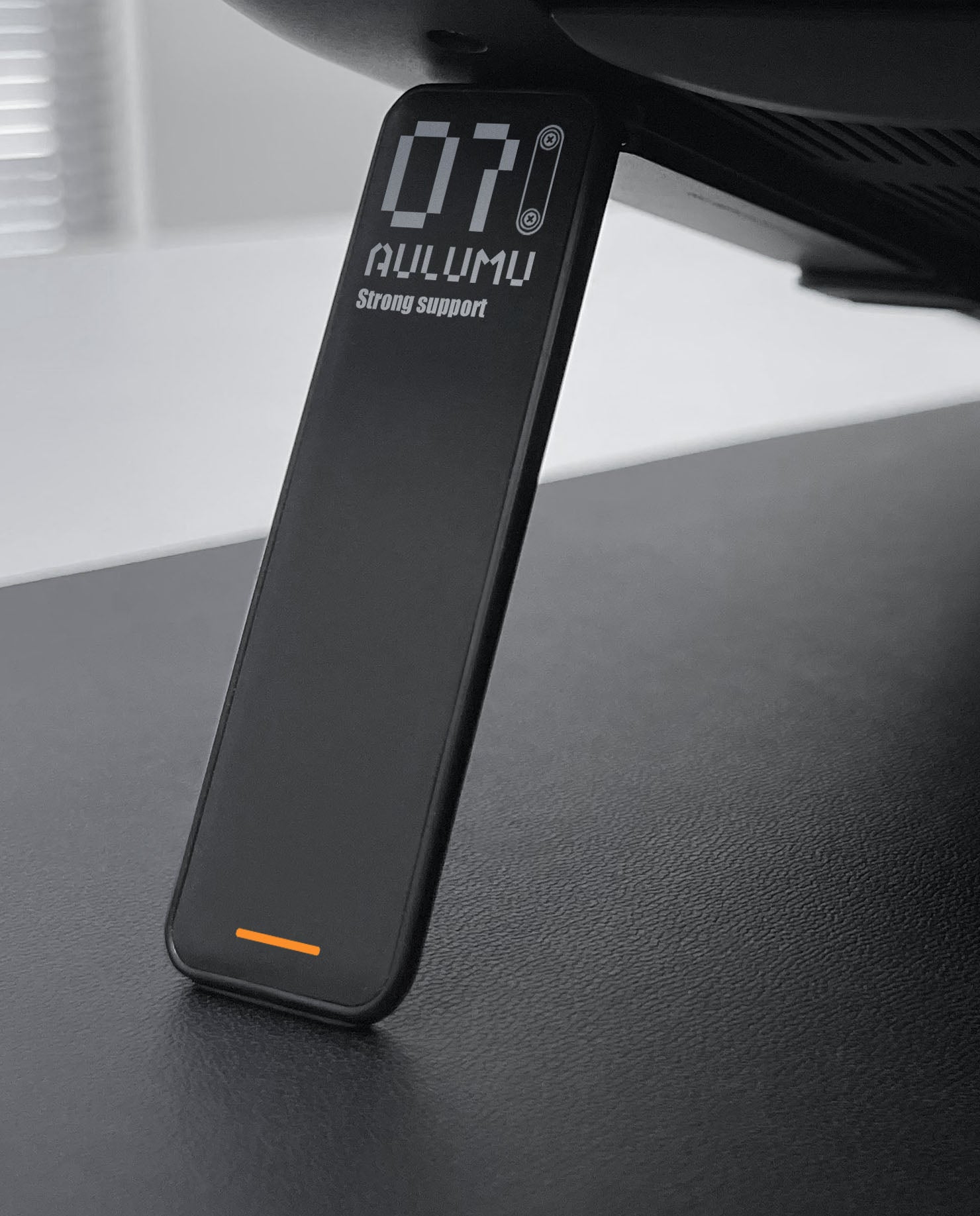
Thanks to the built-in spring, here is the unbelievable pop-up laptop stand, just a click, kickstand flick in 0.1s. Super portable, carry it around with you anywhere anytime, no need to pack anything extra.
Not only portable, they are also highly sturdy and minimally intrusive, you can't even feel it until you noticed there were no more overheating or fans noise. Since it won't block heat releasing, instead, it increases the air circulation.
With ergonomic design, no more pain from wrist, shoulders, neck for continuous typing and watching, since the stand brings the ideal eye-level height for optimum posture.
Product Dimensions:
Size: 3.15*0.79*0.16 inches
Weight: 1.4oz/40g/each
Material: Zinc alloy & PU Leather surface
Load: maximum 5KG
Tilt: 18-degree
Lift: 2.0 inch
What's in the Box:
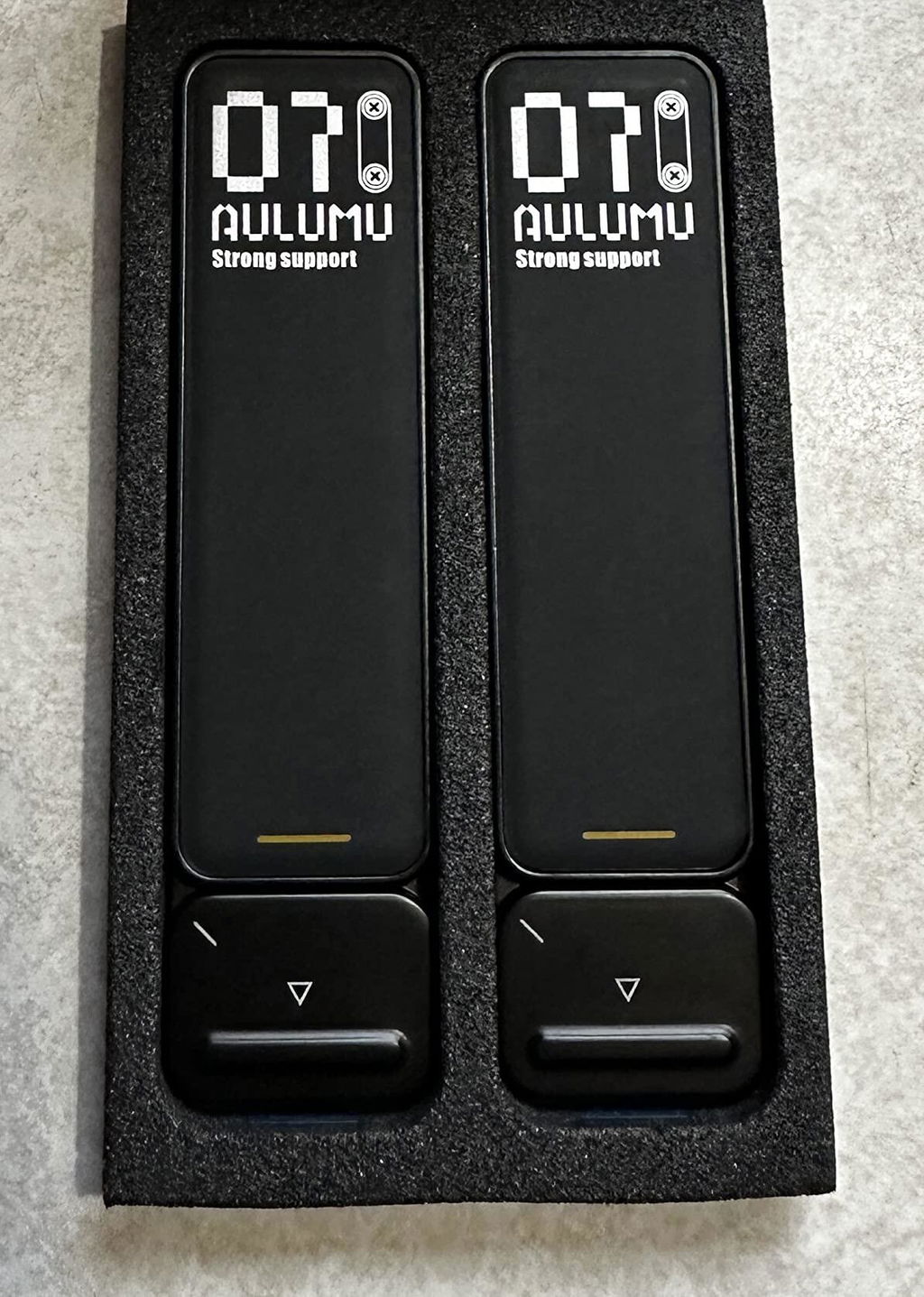
- Pop-up Leg Stand * 2
- Anti-slip Rubber Pad * 2
- Install Ruler * 1
Compatibility:
Laptop: 11.6-20 inches.
Phone, e-reader, tablet.
Nowadays, laptops have become slimmer and more portable, we carry them around much more often, work on it in the cafes, offices, home, even on a train, car, or plane. While typing or watching for a long time, our wrists, neck, shoulders get painful. So aulumu wants to design an ergonomic laptop stand which can effectively relief those body pains and can easily take away to work anytime anywhere without any inconvenience.
This is G07, the aulumu pop-up laptop stand.
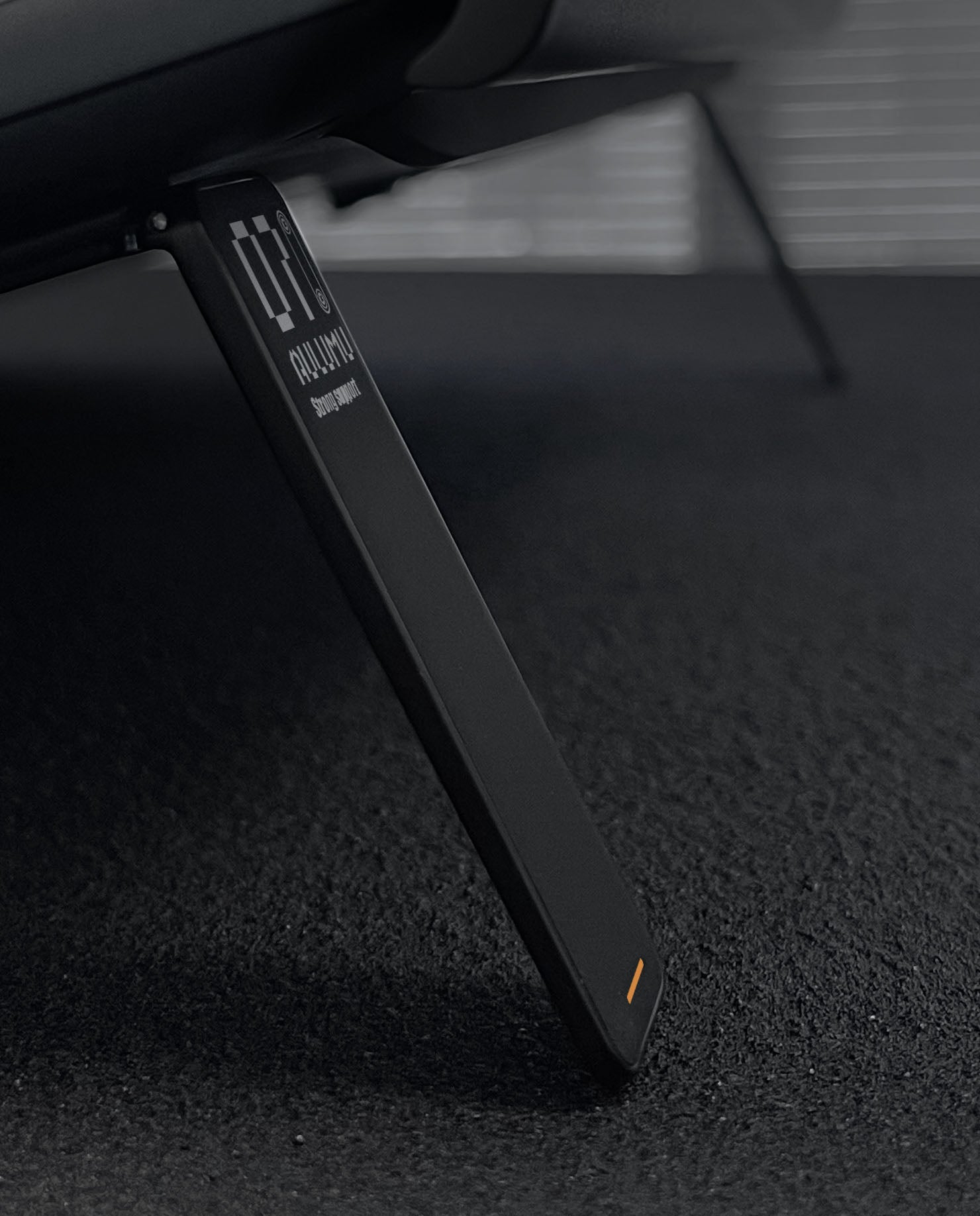
First of all, it is small and lightweight as much as possible, but still strong and sturdy. To achieve this goal, we have done thousands of experimentations with different materials and shapes, things finally felt right. We chose zinc alloy as main material, come with a piece of anti-slip pad to get the best stability. Mini size, strong support, no shaking or slip at all.
But that's not enough, it should be convenient, and least intrusive. We set 2 built-in springs, so it can be opened and folded automatically, no need to turn devices around, totally eyes-free. And with the built-in spring, the stand pops up very fast, only 0.1s. Eyes-free operation, fast pop up, the stand looks like it's born with a laptop, but not added later.
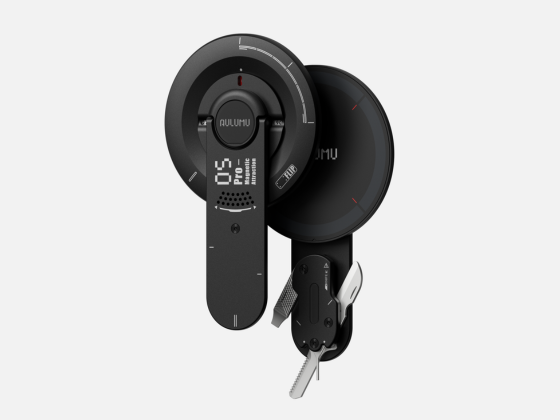
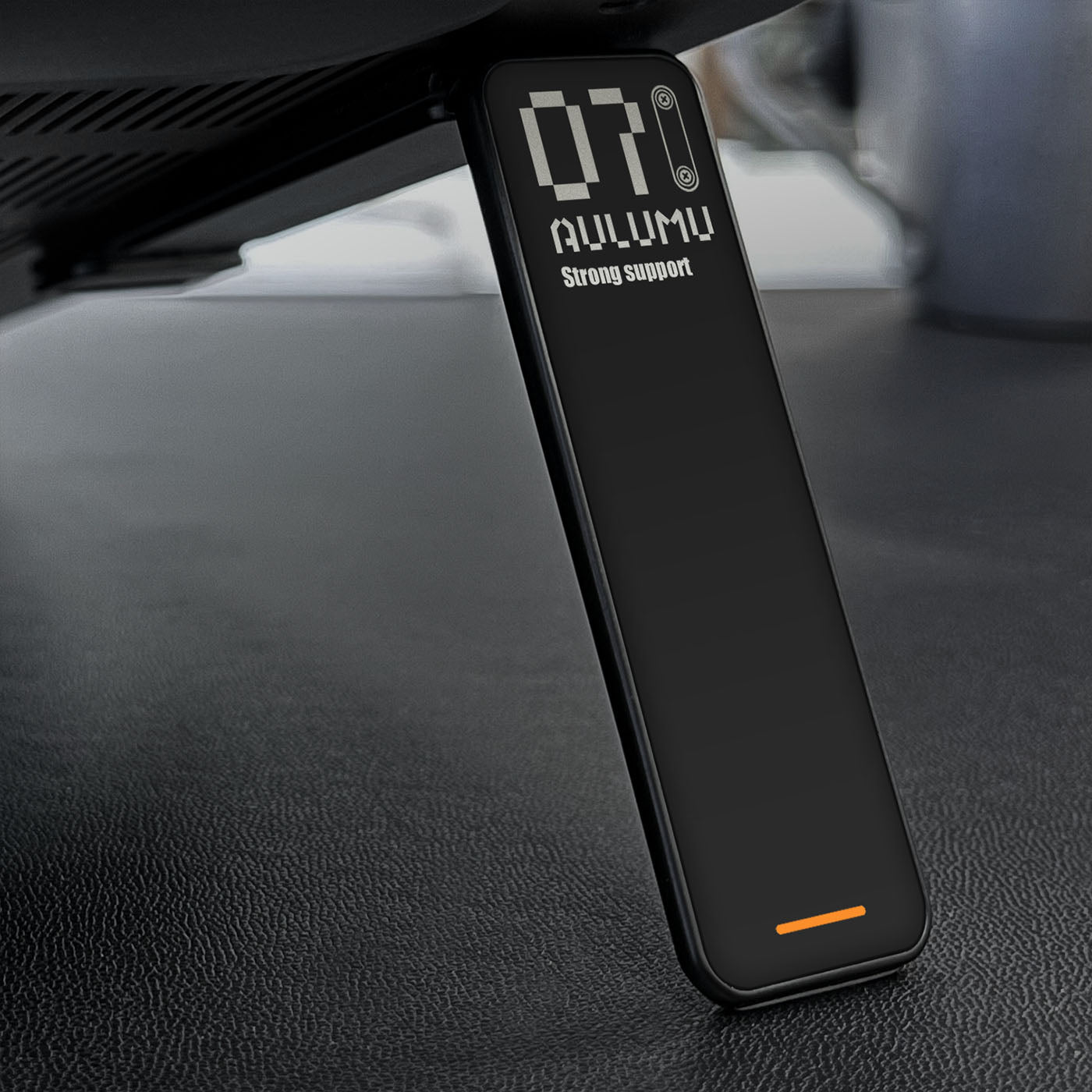
For the outlooking, still aulumu style, ninja black surface with silver pattern, orange line and pixel fonts, edges are slim and corners are round, looks elegant and energetic. And to make it more exquisite, we use PU on the surface, every time you use G07 laptop stand, you can feel the soft and warm, instead of hard and cold from metal.


Great Heat Dissipation
Without blocking of the air outlet, with the forward-tilt angle, airflow increased greatly, keep your laptop running cooler.
No more overheating and fans noise.


Instantly Pop-Up
Click and pop open in 0.1s, close without turning laptop around. Super easy and convenient to use.
Built-in high quality springs, make this one-of-a-kind laptop kickstand.


Simplified Design
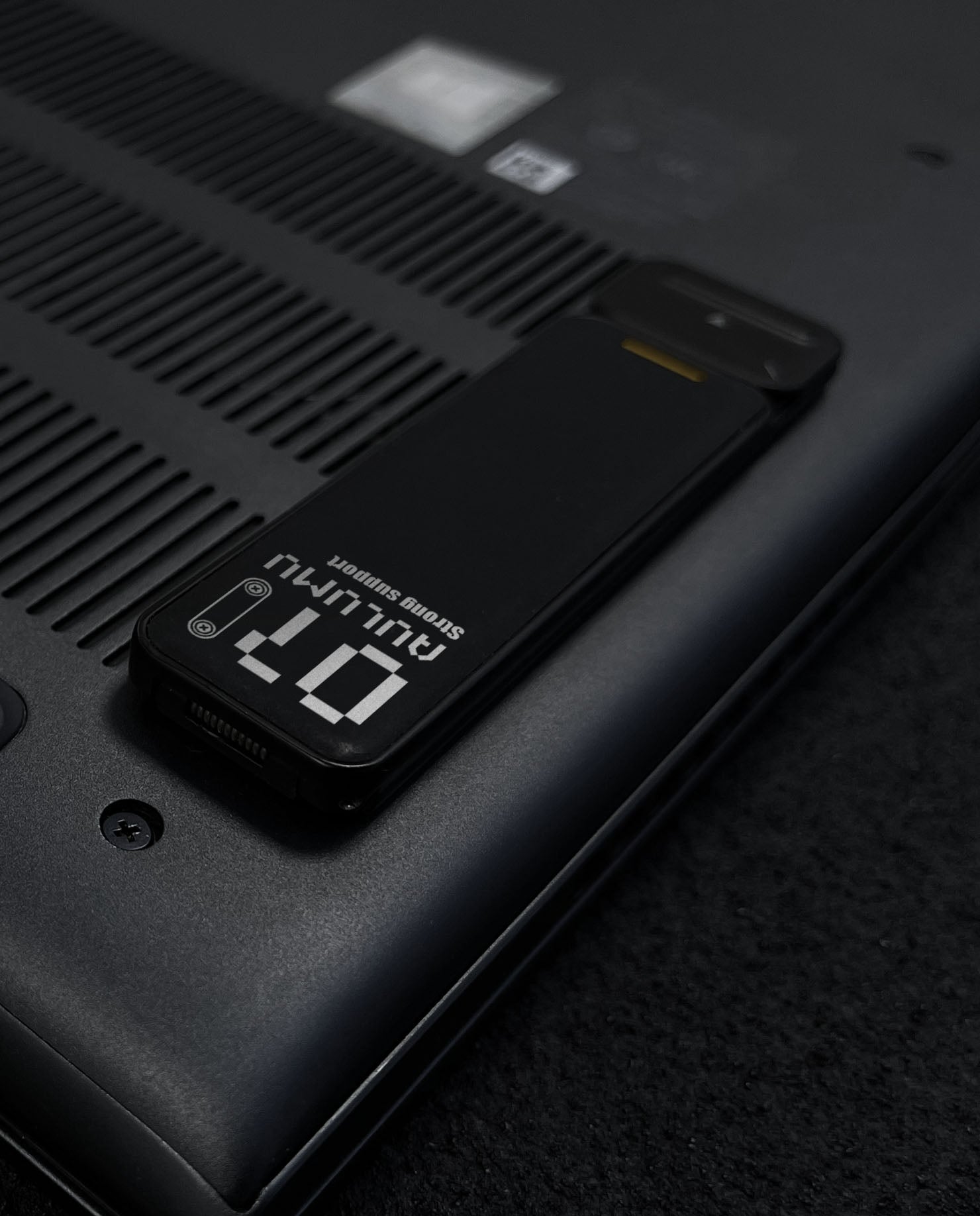
Mini size and light weight, adhesive on the back of your laptop, take it anywhere without extra pack.
Size: 3.15*0.79*0.16 inches
Weight: 1.4oz/40g/each
Least intrusive.
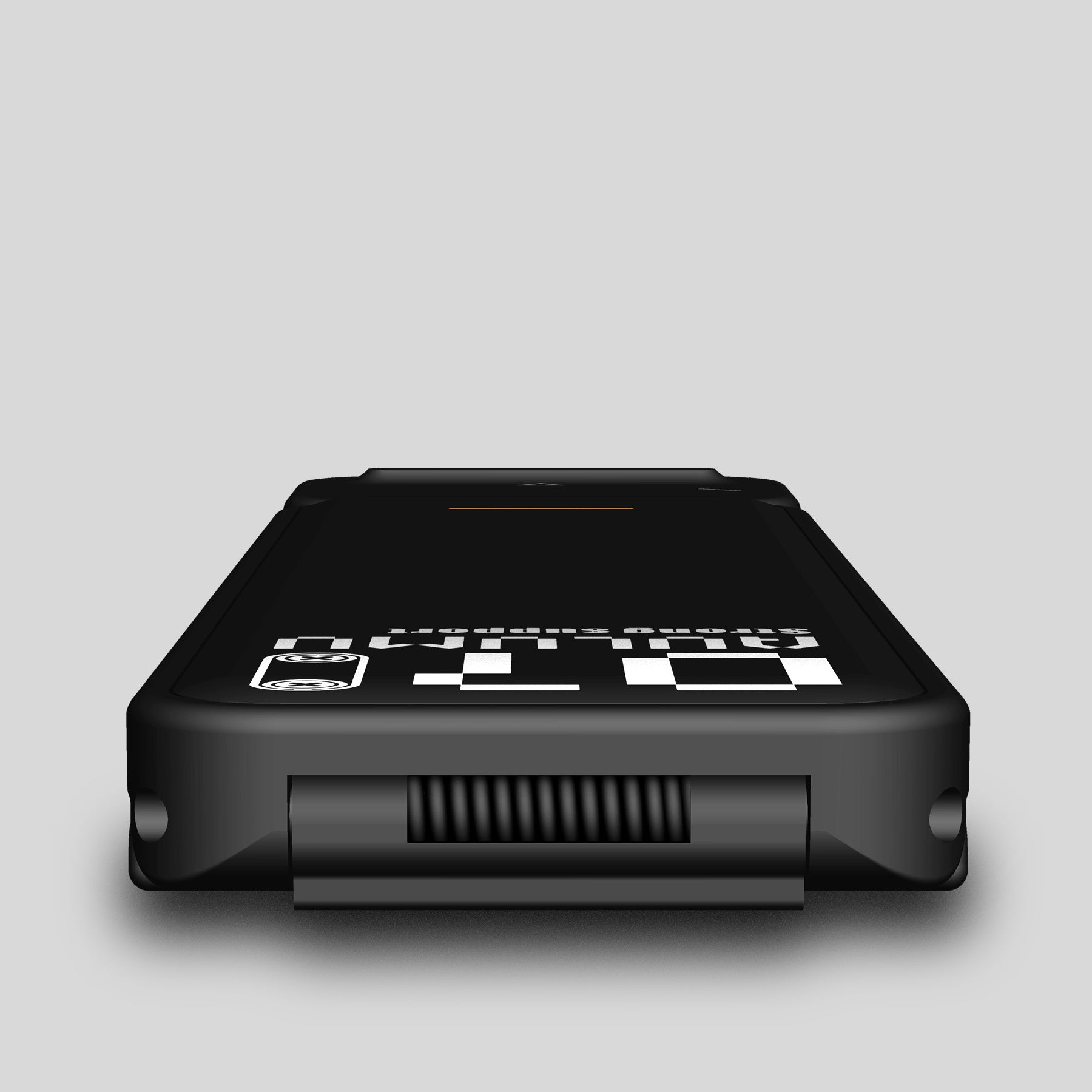
EXQUISITE PU SURFACE
Better Tactile Feel
A whole PU leather on the surface of the kickstand. With the exquisite PU, every touch while you open and close the stand is soft and warm, not cold and hard from metal.
BUILT-IN QUALITY SPRINGS
Longer Lifecycle
2pcs durable and solid carbon steel springs on this mini stand, one is on the bottom and the other is on top. Both of them make G07. With long time open & close test, its working time up to 30000 times.
Not One Time Use
Reuse on Other Devices
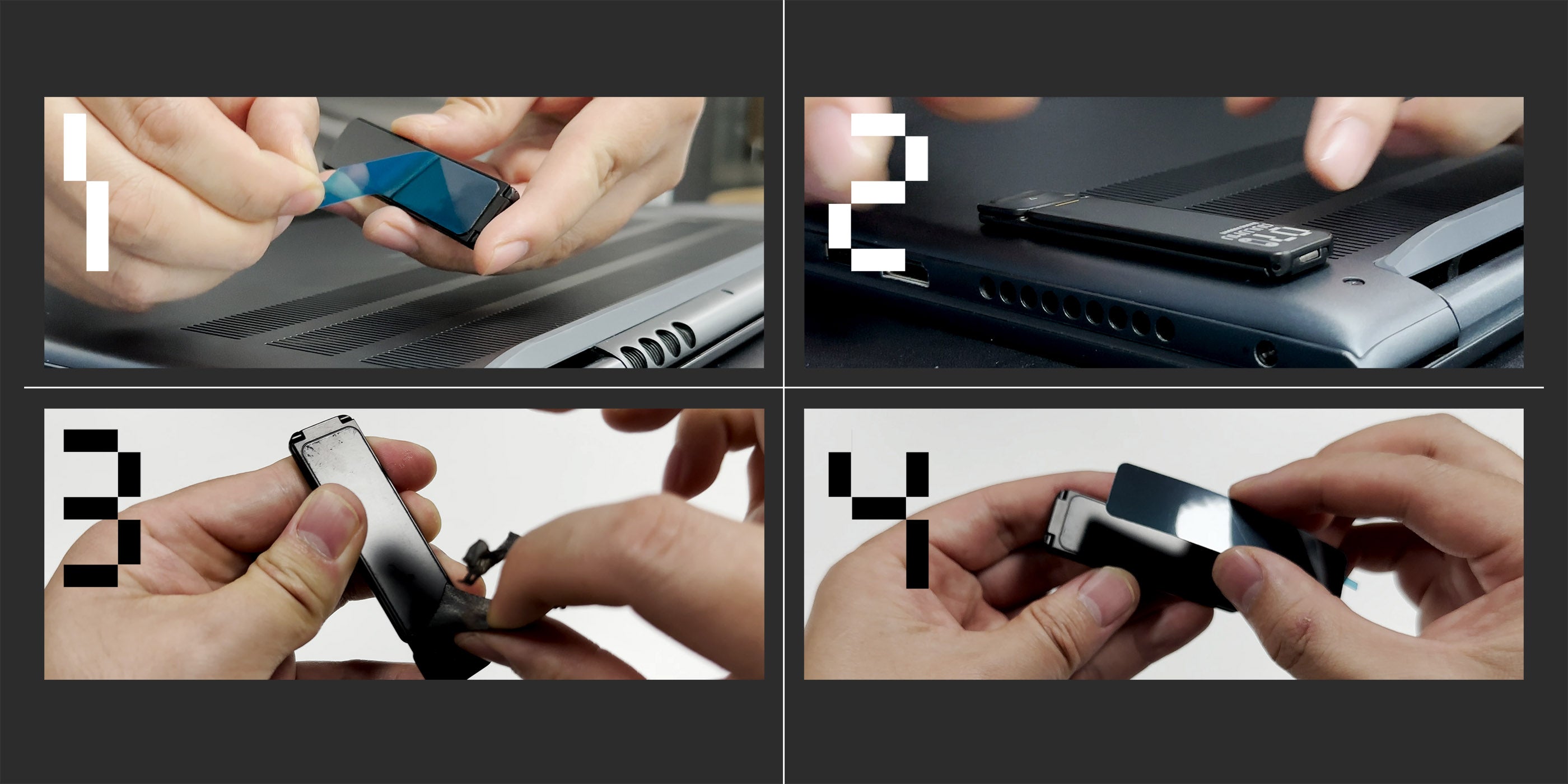
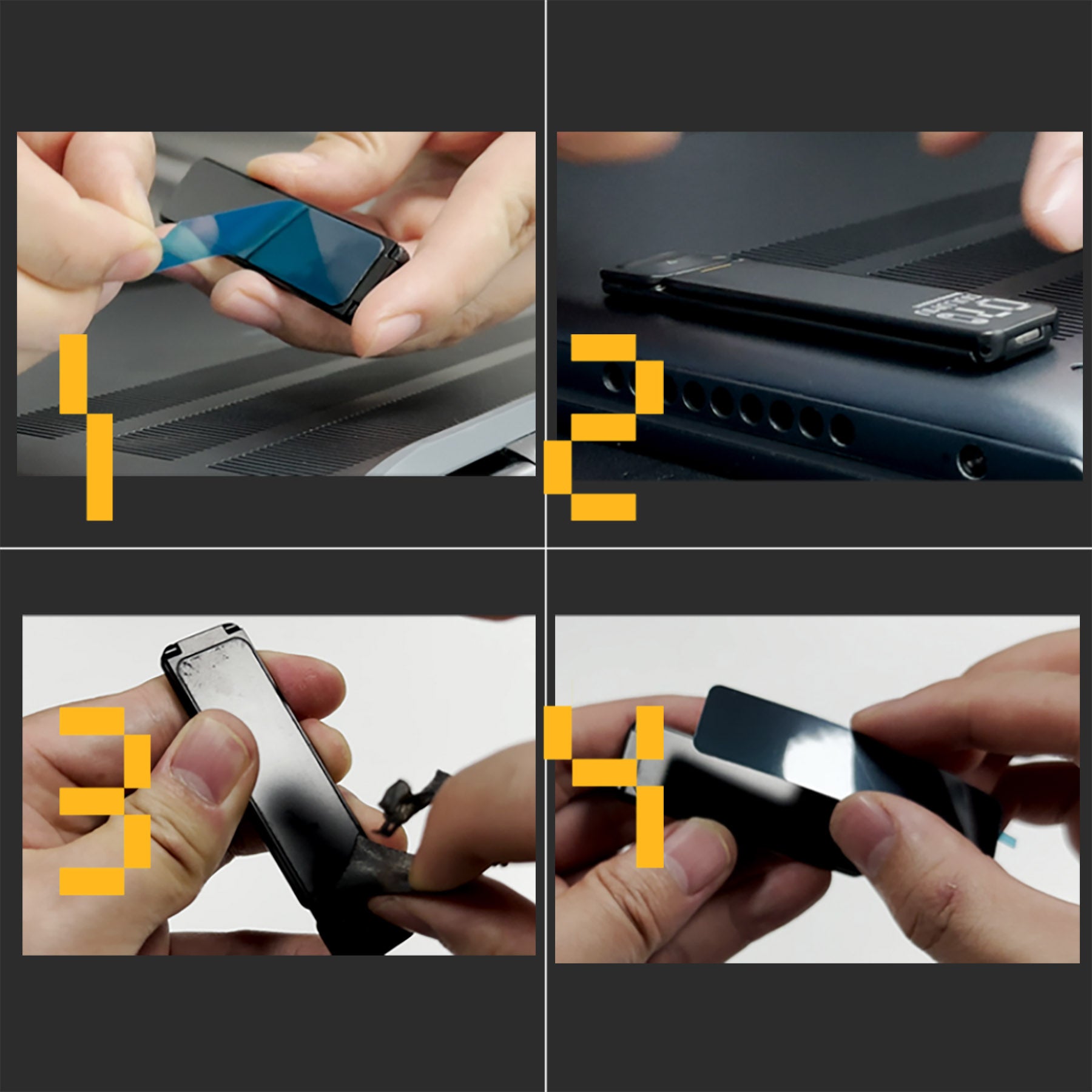
Easily
Install & Reuse
- Remove the blue release paper on the back of the stand
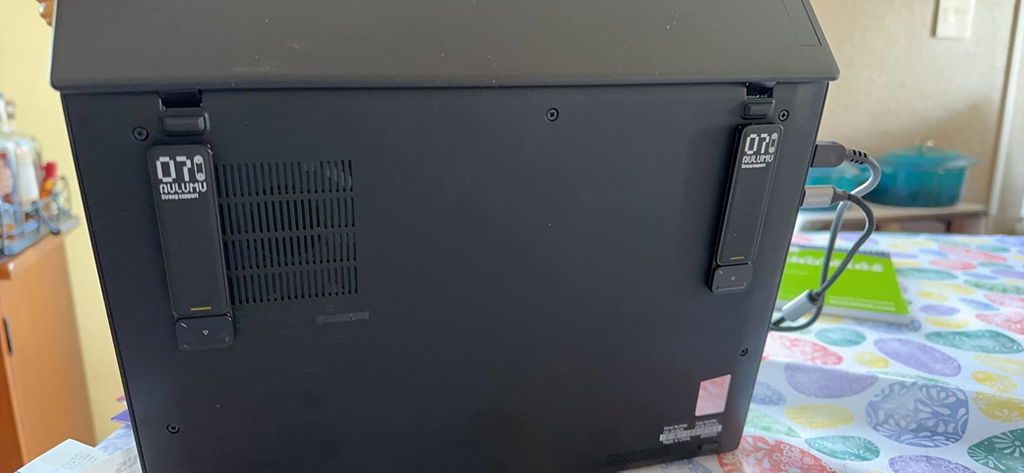
- Stick it on the back of the laptop. Please kindly make sure to get them parallel to each other and the edge.
- Remove stand from laptop and clean adhesive on them.
- Stick with new original adhesive, get new stand.
- Stick the 2pcs inclued anti-slip rubber pad on the bottom of laptop for better friction if necessary.


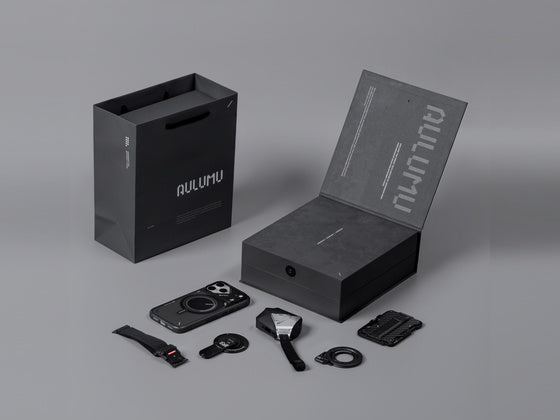
WHAT'S IN THE GIFT BOX
Great Gift Choice
- Pop-up Leg Stand * 2
- Anti-slip Rubber Pad * 2
- Install Ruler * 1
FAQ
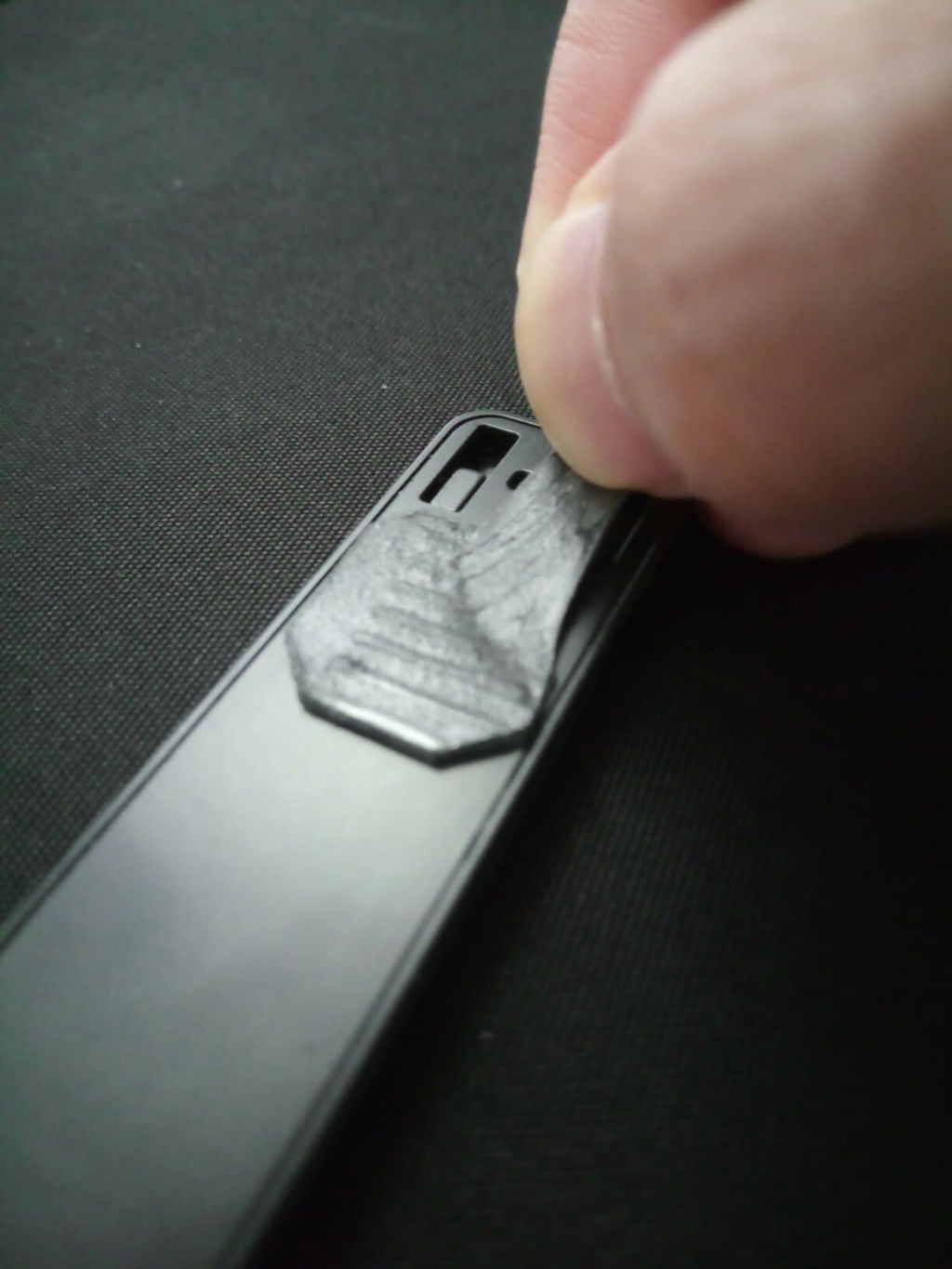
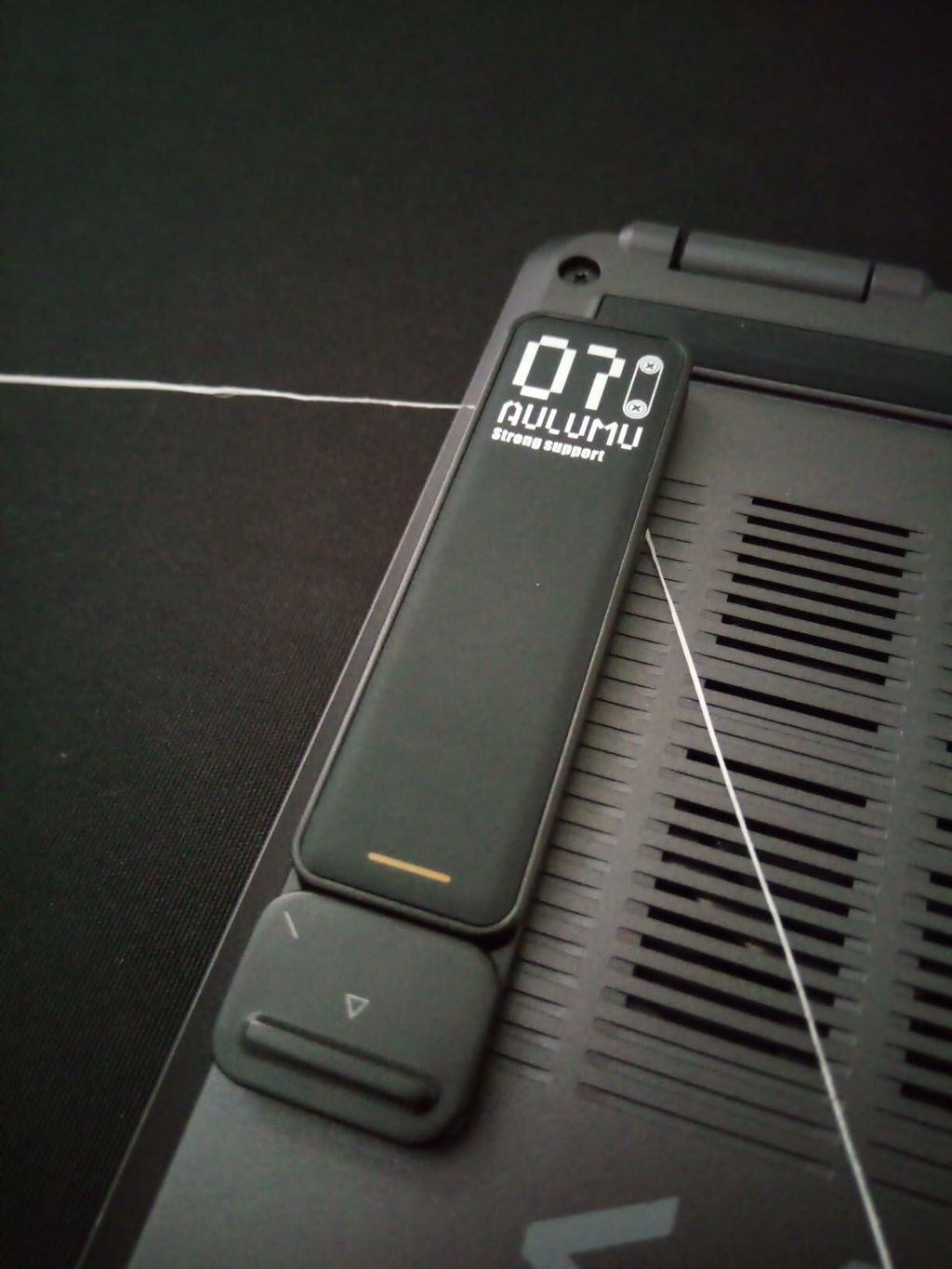
- For clean removal without damaging your attached device, use a sturdy enough string (like floss) to cut the foam tape that secures the leg and device (after getting half way, the rest can be laterally twisted off).
- Once separated, pull any remaining foam tape laterally for easier removal (afterwards, any remnant bits can be rubbed off with a paper towel pretty easily).
- Then you can stick the new foam tape which you can get from aulumu website, and re-attach the kickstand.
You can get the adhesive pack from our website, and easily reuse it on other devices
The small silicone pad is a non-slip pad, you can stick it on the bottom of the back of laptop to increase friction. Use the kickstand on a smooth table.
Yes, it can support up to 5kg weight, works great with 16'' MacBook Pro and other devices.
stands tall despite being impressively low profile. quick to deploy, and fun to fidget with. i dig the sleek and stealthy design.removal + re-attach tutorial:1) for clean removal without damaging your attached device, use a sturdy enough string (i used floss) to cut the foam tape that secures the leg and device (after getting half way, the rest can be laterally twisted off).2) once separated, pull any remaining foam tape laterally for easier removal (afterwards, any remnant bits can be rubbed off with a paper towel pretty easily).3) you can re-attach the leg, as long as you have some double-sided/mounting tape (i recommend at least 5 lb strength for laptops). just cut it to shape, and apply to the back of the leg.as of early 2023, there was a tiny quality control issue (had to replace a few times times), and they didn't always have coated springs (in the product images the springs are color coated, i've gotten uncoated springs a couple times).
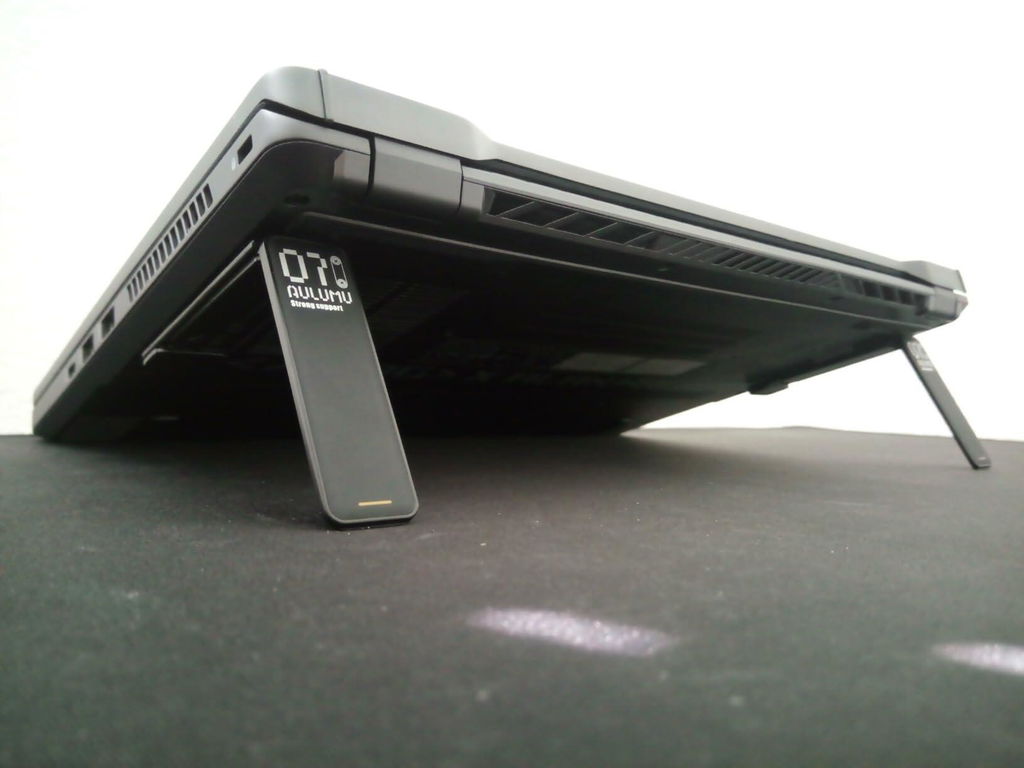
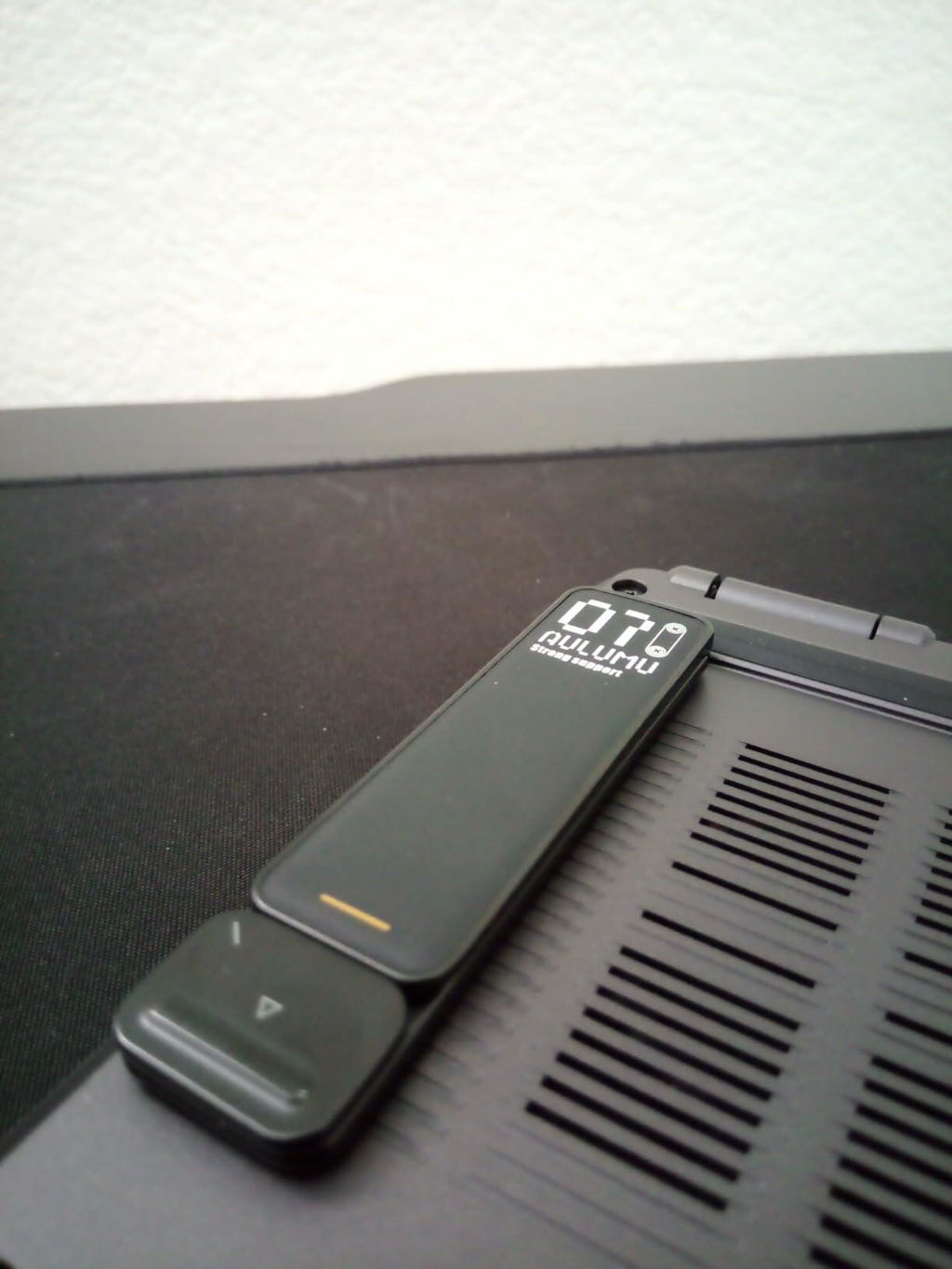
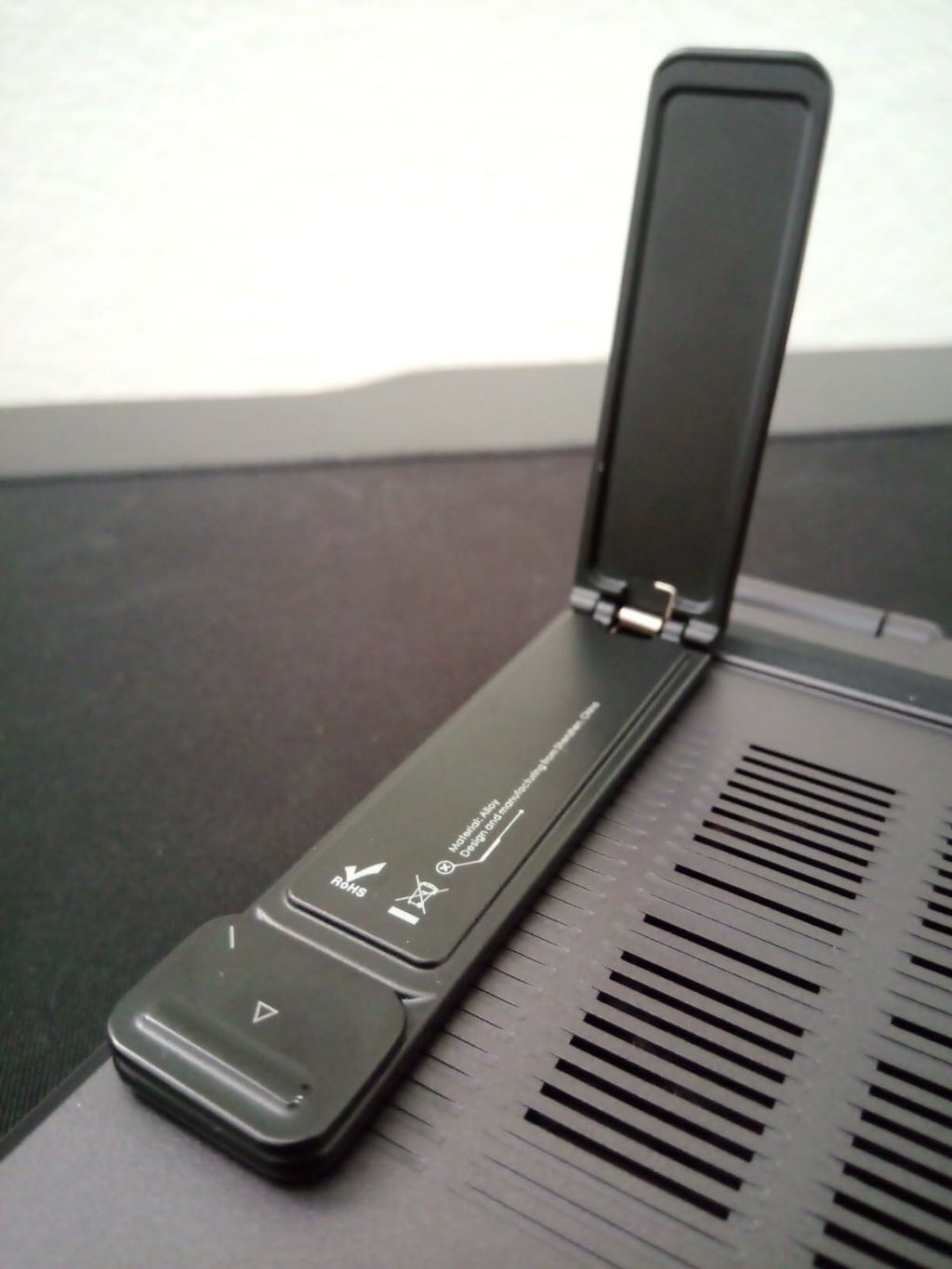
Packaging is premium, the stand are very sturdy. You money will be well worth. The angle is great.l for your wrist and posture.
Hard to find sturdy stand that is portable and works with laptop that has bottom vent.
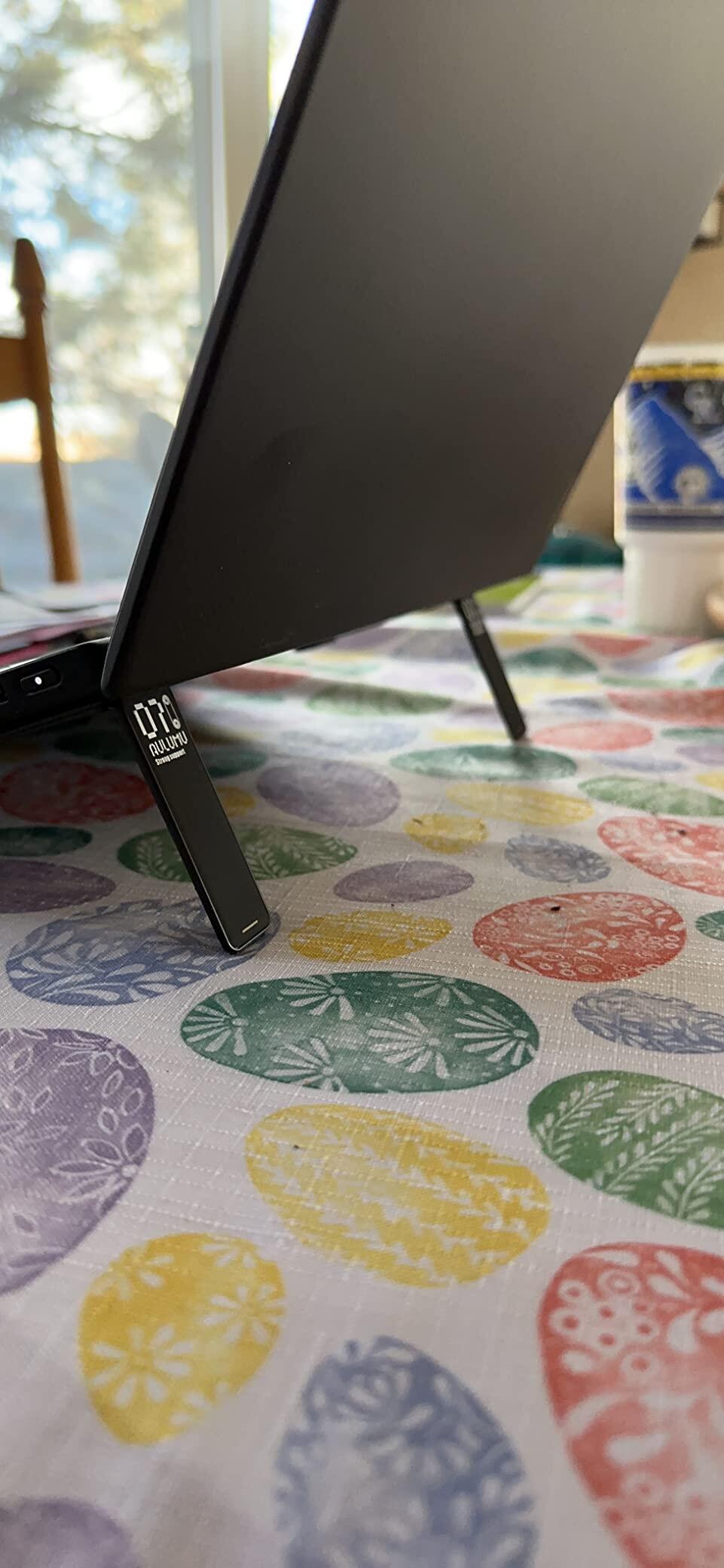
I love the packaging. The item feels very sturdy and well built. Feels like very good quality. Holds my laptop up very well and it feels like it’s never coming off. I really recommend this item to all laptop users!
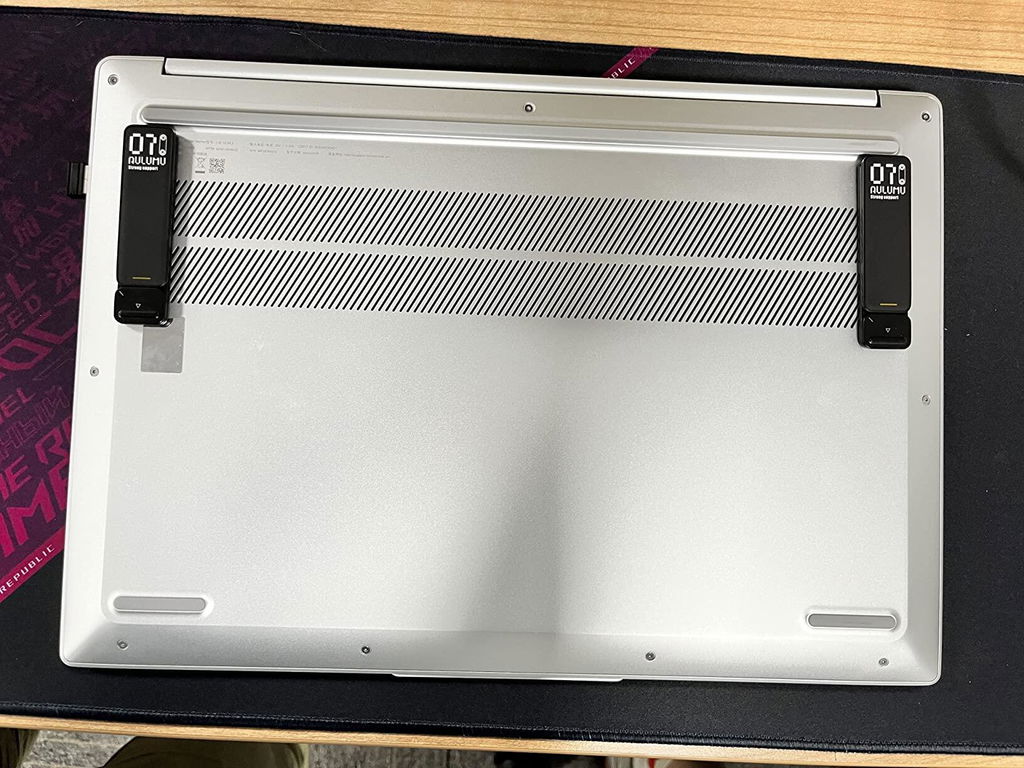
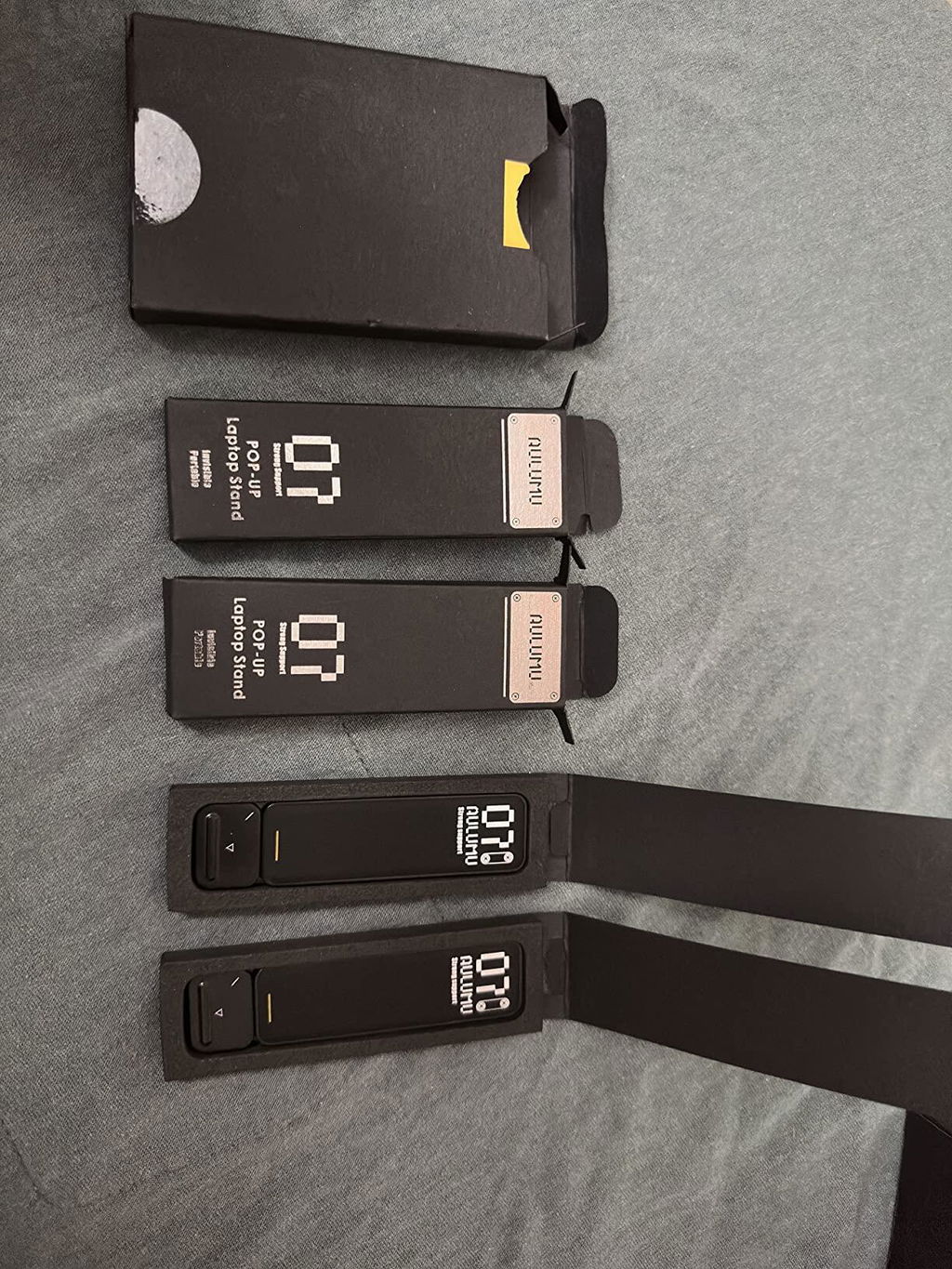
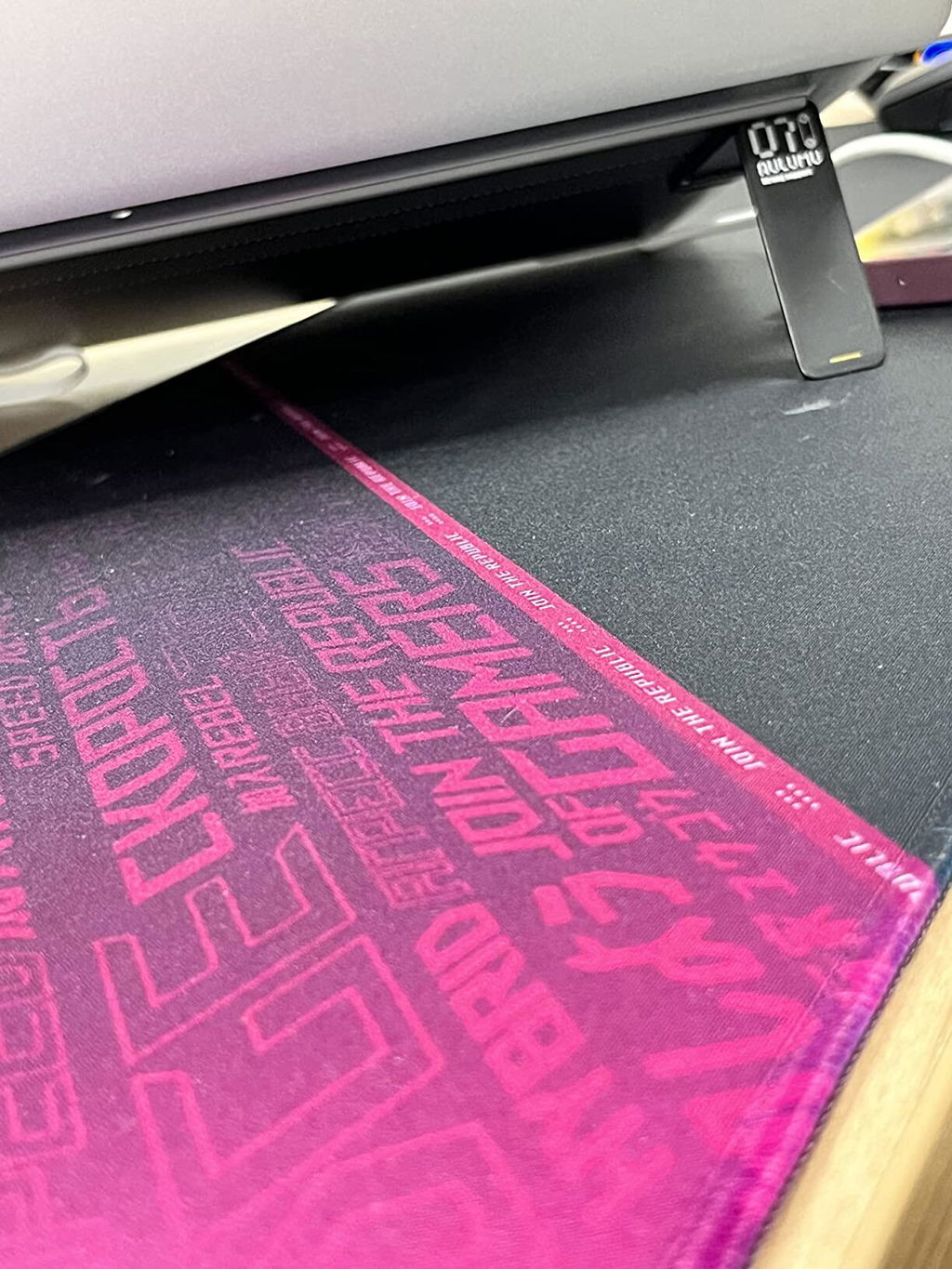
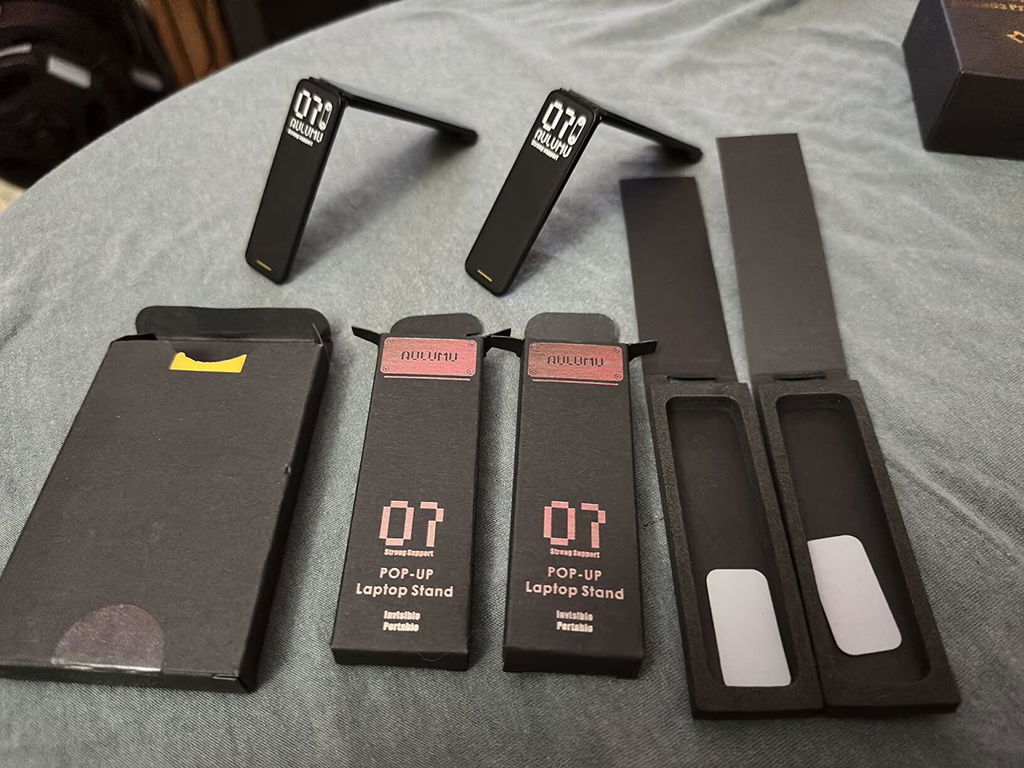
I really like that I found an easy solution to change the height and angle of my laptop, without adding bulk or weight. The packaging is very cool looking, the legs are sleek, sharp and minimal. They’re very easy to install, just mark your spots, peel and press into place. The function is super simple as well, press the button with the arrow and they pop right up. Press the legs down to close them again. They’re also pretty study, easy to rest on your legs making my laptop more comfortable to use while lounging on the couch. The legs can make typing more comfortable as well. I am definitely happy with my order, big bang for my buck.
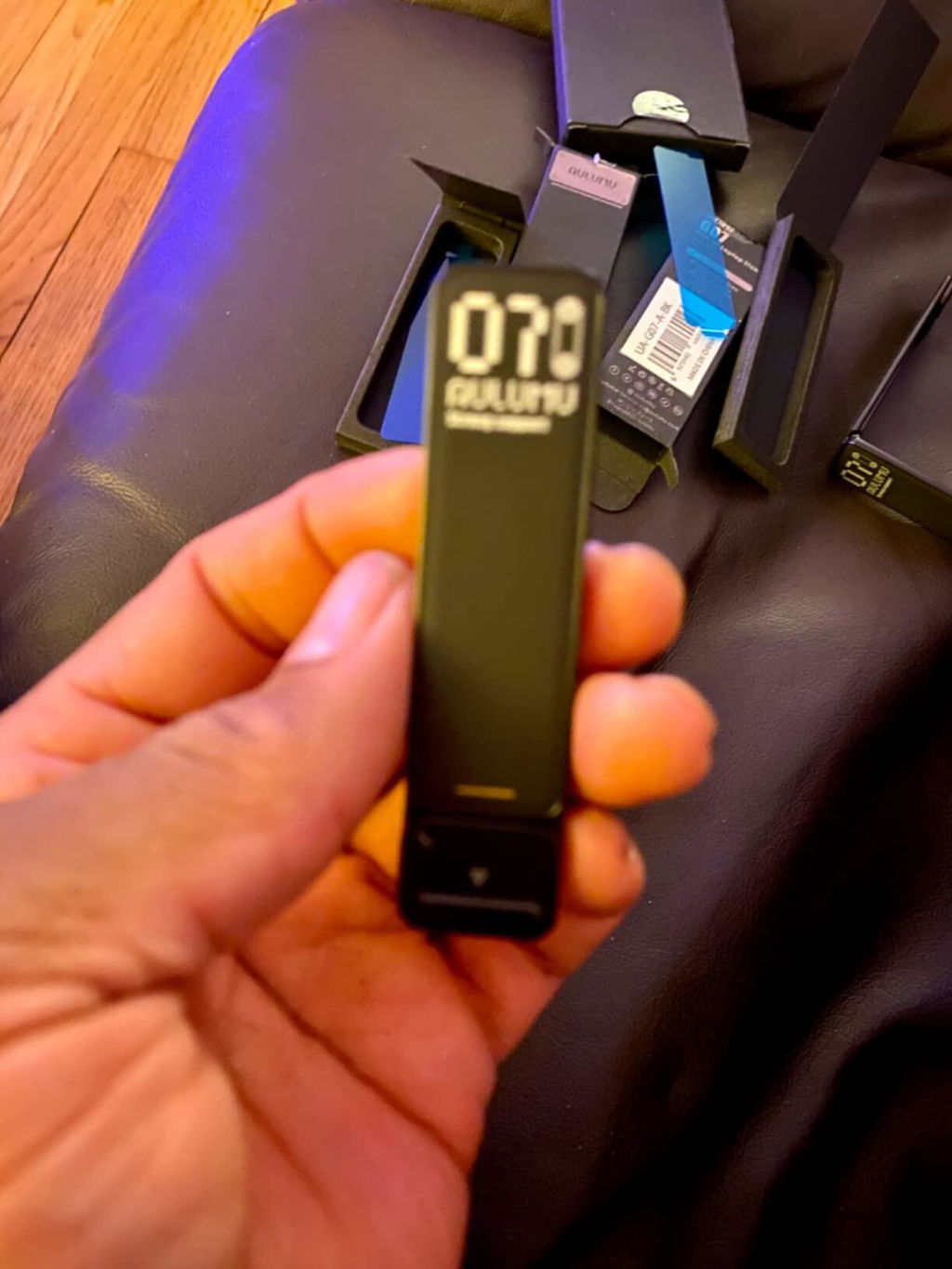
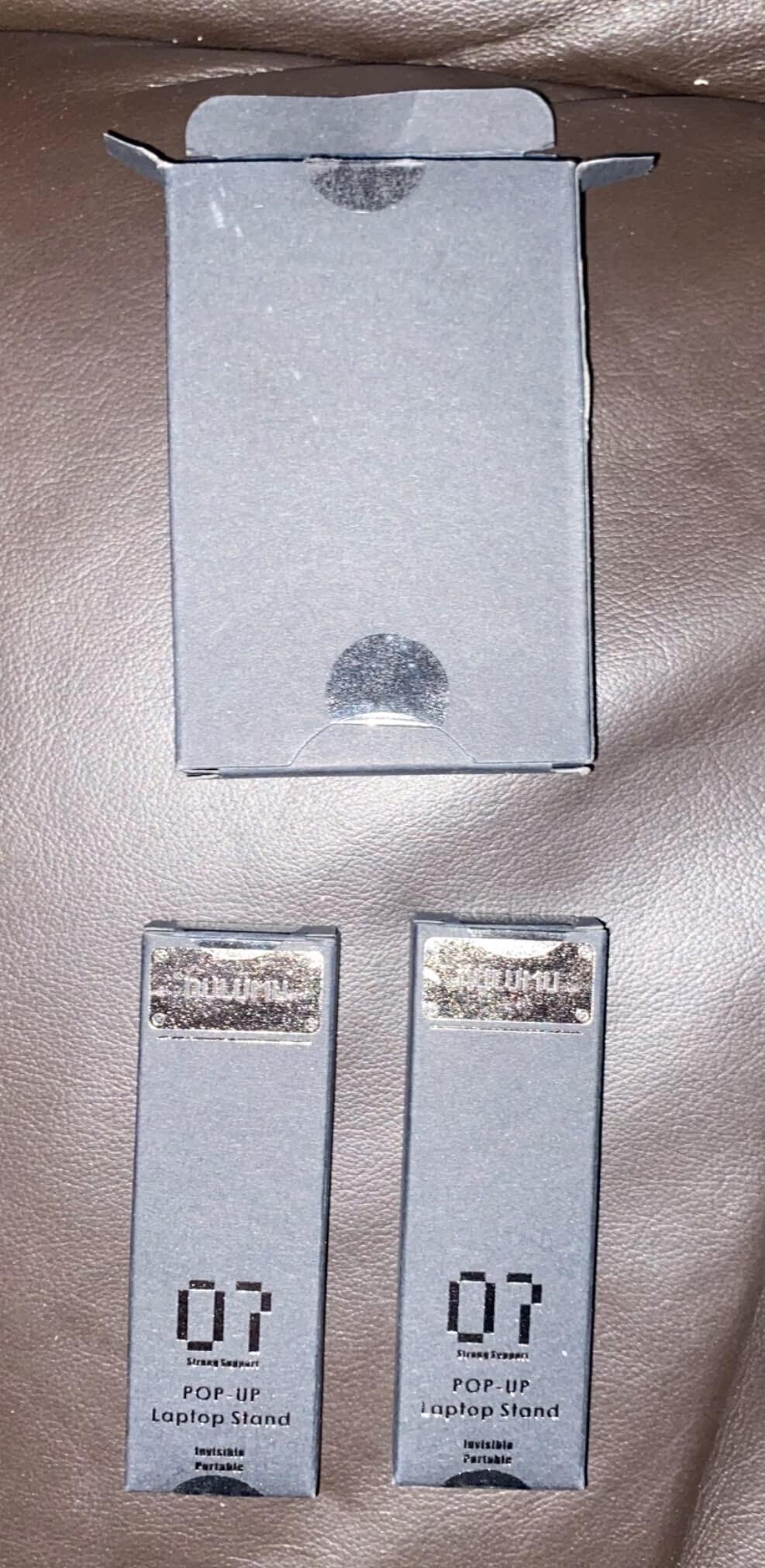
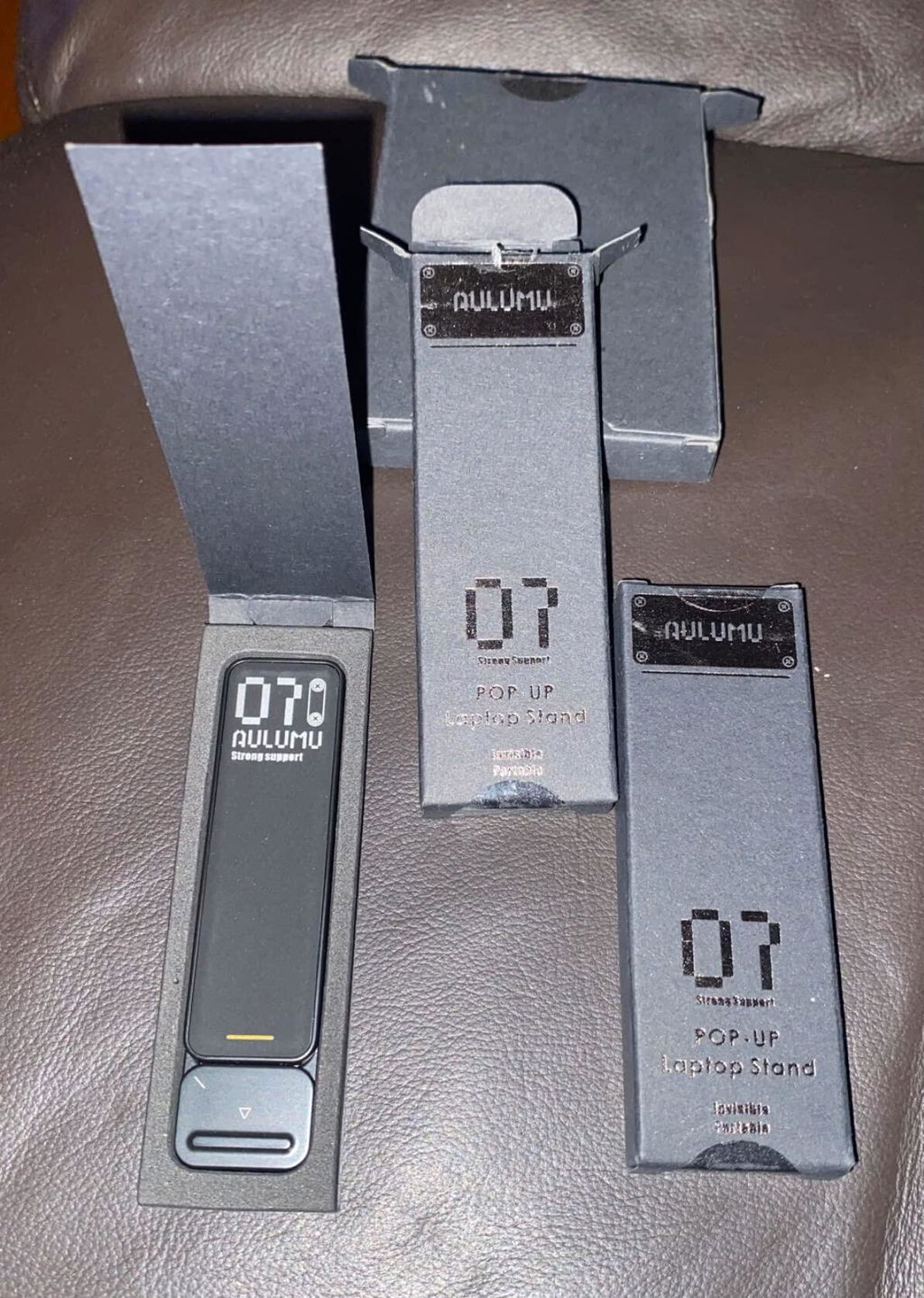
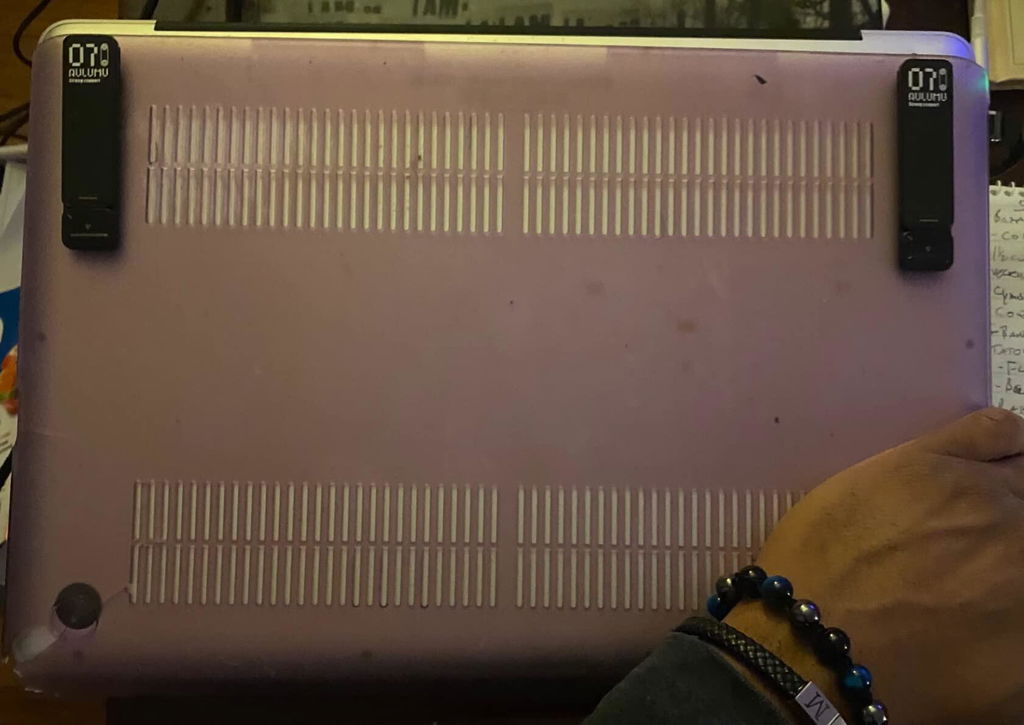
I work from home and most often work from my dining room table. But, this leads to terrible camera angles since I'm tall.These stands, however, are great at helping correct this problem. They help raise the camera quite a bit, so it doesn't have to be angled up at me and instead looks more directly at me.First, the build quality here is very nice. These are super solid, come packaged very well, and feel very smooth overall. They latch very easily and deploy very quickly.The only comment I have is that these are still fairly thick. The description claims .16 thick, which may be true, but applied, they are more like .20+ thick. They're certainly thicker than the rubber feet on the bottom of my MacBook Pro. For this reason, I did have to use the included adhesive rubber rectangles to keep my MacBook from sliding too easily (nice that they included those.)It would have also been great if the legs had some sort of rubber tips on the end to reduce sliding. For me, once deployed, none of the rubber feet on my MacBook Pro make any contact, and this definitely leads to sliding. Now, unlike others, I'm not expecting to type or really use my computer with these deployed, but with all the sliding, it'd be very hard. There are those extra rubber rectangles that you could put on your computer ot help combat this, but on mine, they would need to almost wrap around the rounded from edge of my MacBook, and I don't think I'd like this appearance.I do wish they had included additional adhesive strips. There definitely are various places/strategies in mounting these, and having an extra chance to move them and get them in a better spot would be nice.These aren't cheap, but the quality warrants the price.Overall, I don't mind having them attached to my MacBook and definitely appreciate the better camera angles. I'll be picking up another set for my other computer.
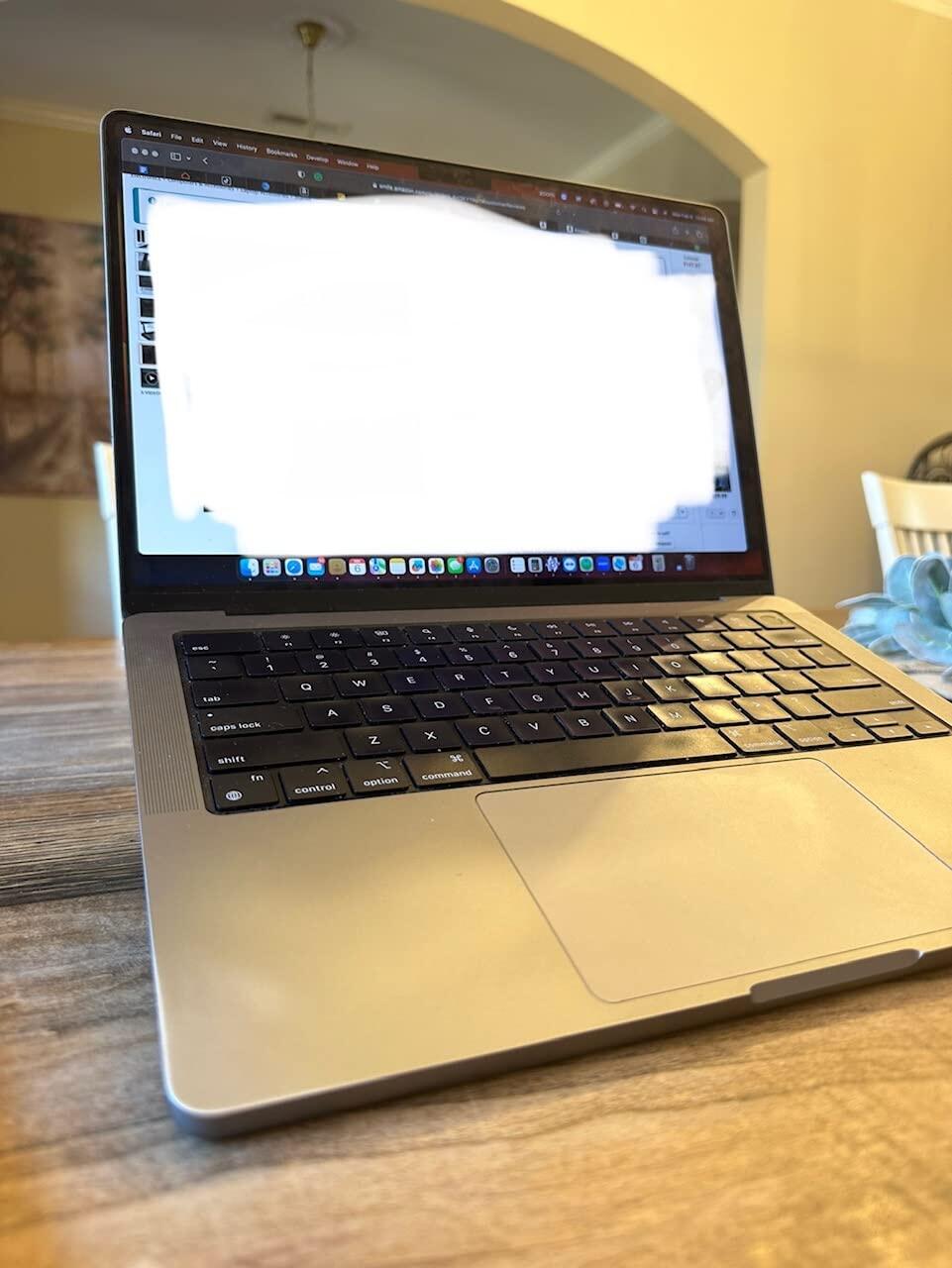
This aulumu G07 portable laptop stand gives my MacBook pro a slightly about 30 degree inclination for a great longtime working experience. The two small stands feel very sturdy and well-made material. One thing keep in mind that it is important to attach these small stands in a correct place or equally distance between each other, otherwise your laptop may not be stable on the surface. Also, the adhesive tape on the back of each stand are very strong, however they don't come with a spear adhesive tape which make these stands only a single use, or you have to get another adhesive tape once you remove these from you laptop. Overall, if you don't want to carry a separate stand for your laptop, this is a great choice to have.
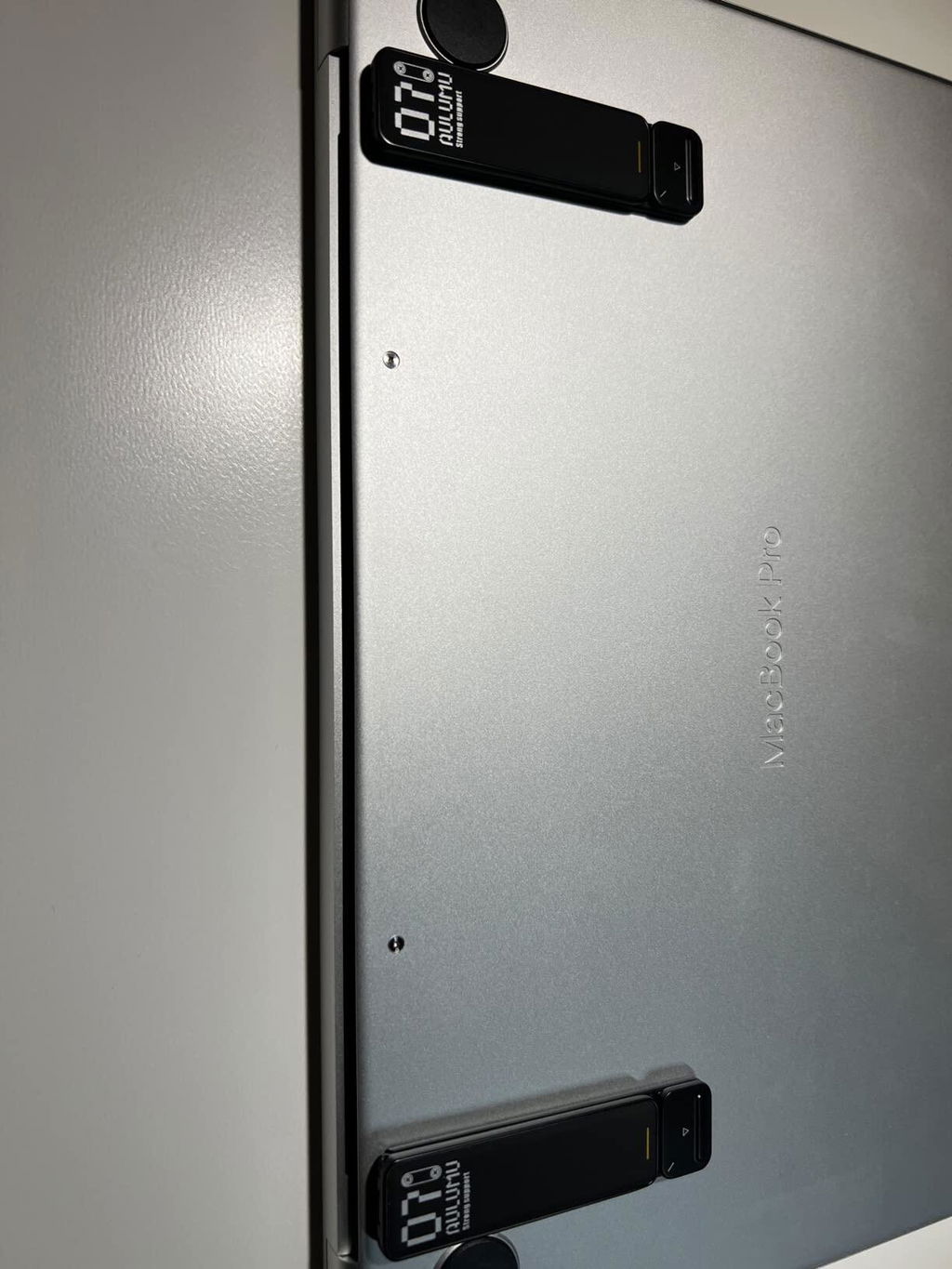
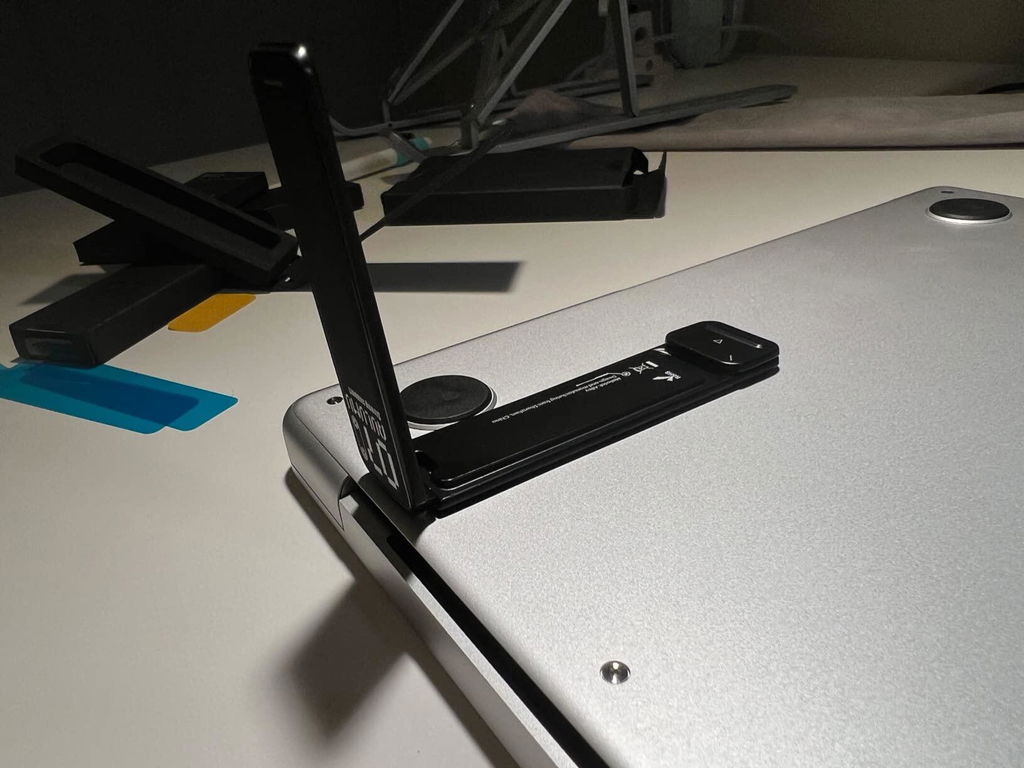
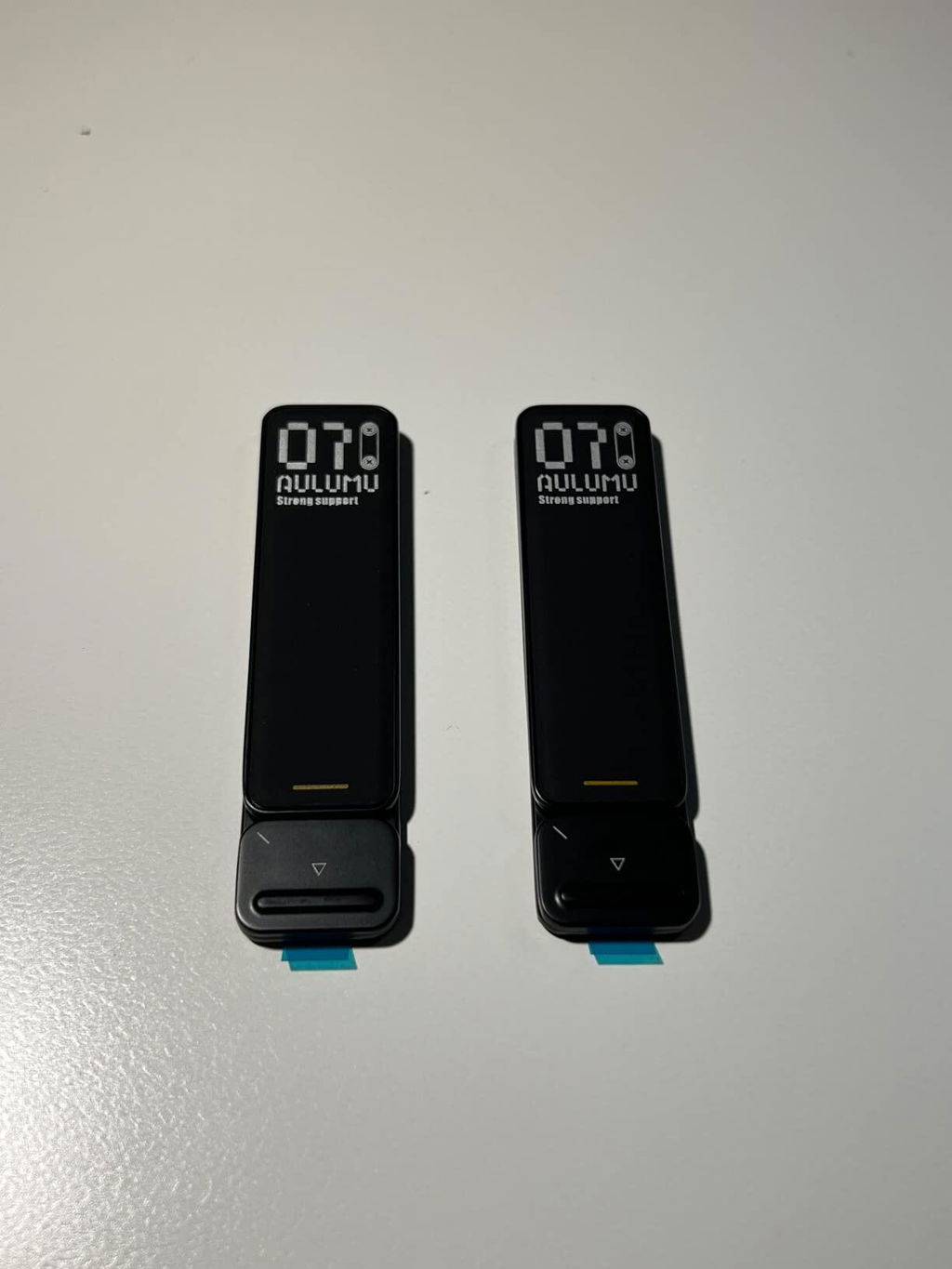
I do a lot of traveling and usually spend part of my trips working remote. It's a pain having to remember to pack a laptop stand, not to mention the space that it takes up in my bag. The stand consists of two individual pieces. While you can apply the stand to your laptop directly, I decided to apply it to my laptop case.Pros:Thin - You’ll barely notice that the stands are attached to your laptopStands have a sleek and premium feeling to themEasily and quickly snaps openHave the option for using these on 2 phones or tablets or on 1 laptopVery strong adhesiveCons:This is a one time application type of product. So you need to be sure of the location and device when you’re applying the stand.Doesn’t come with extra adhesive pads. The item description states you can buy additional ones, but I didn’t see that option on the company websiteApplication tips:Test the location you’re planning to apply the stand by using tape to hold the stand in place. This way you can be sure the stand will be sturdy once applied.Use a ruler and tape to ensure that the stands are parallel to each other. This is a product that you don’t want to “wing it” with.
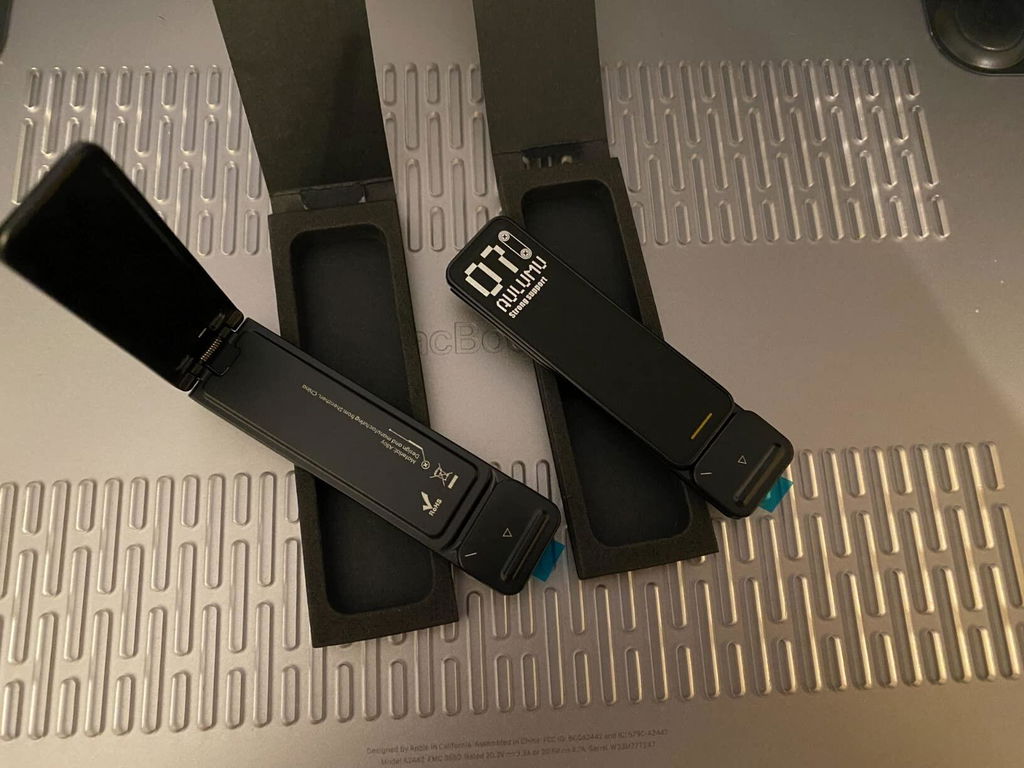
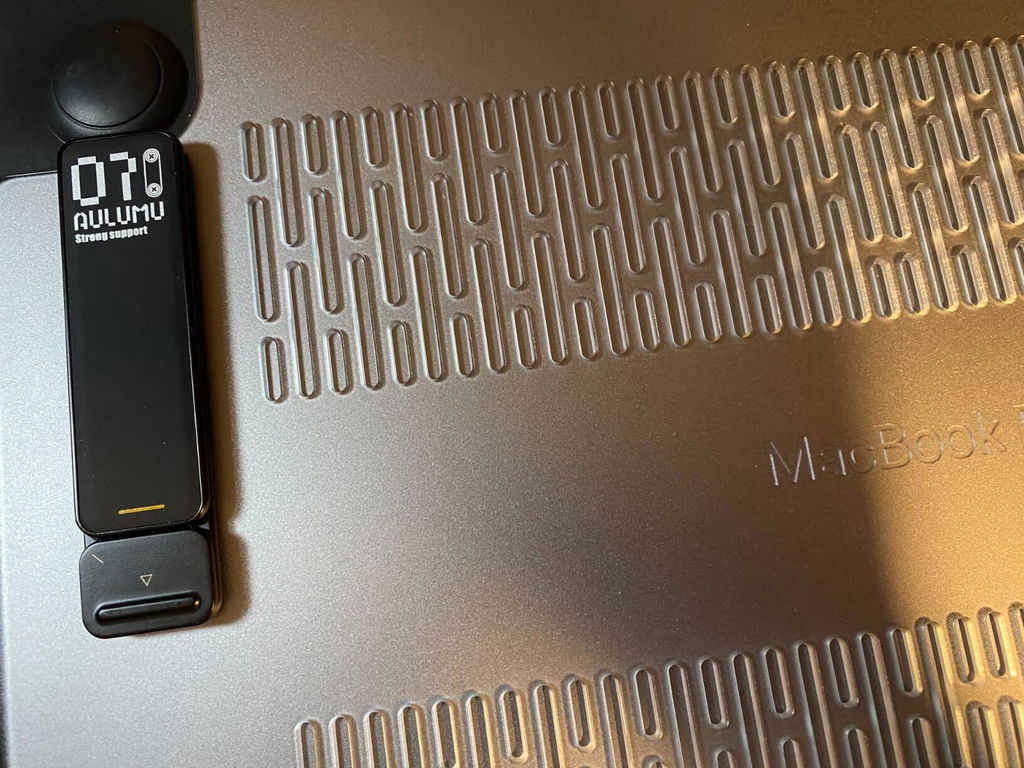
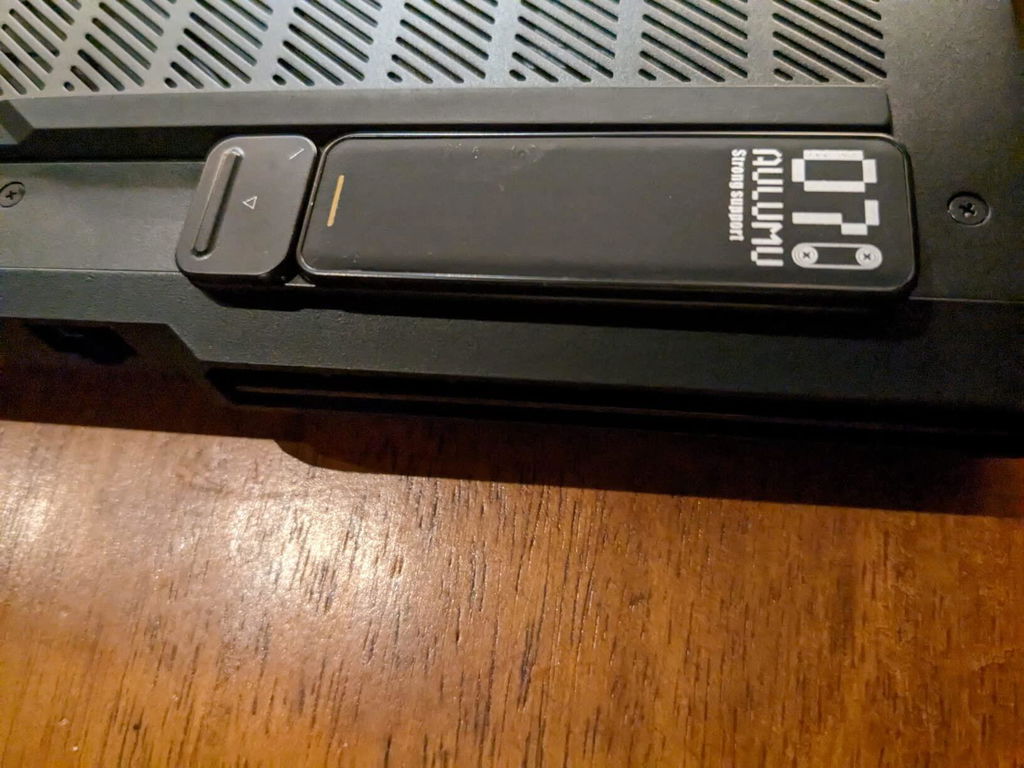
Adds venting to your laptop (obviously). Importantly, these are very sturdy and high-quality, good material stands. I own another pair which are slimmer; but less sturdy for such a heavy device. As you can see from the photos, I sacrifice a bit of form-factor (the stands bleed over just a few millimeters past the chassis end) for the added benefit of sturdiness. It's very hand you can just push a button to switch-blade the stands into place, rather than positioning the stands in/out; even if that means losing multiple height options. It makes for better portability. The laptop in the photos is a Legion 5 Pro, a brand which has been selling well this year due to steep discounting. The reason I'm showcasing it is to show that the stands fit in that small strip of flat surface just behind the fans. This laptop is one which suffers from real-estate back there, so if it works for the Legion, it's likely to work for other gaming laptops.
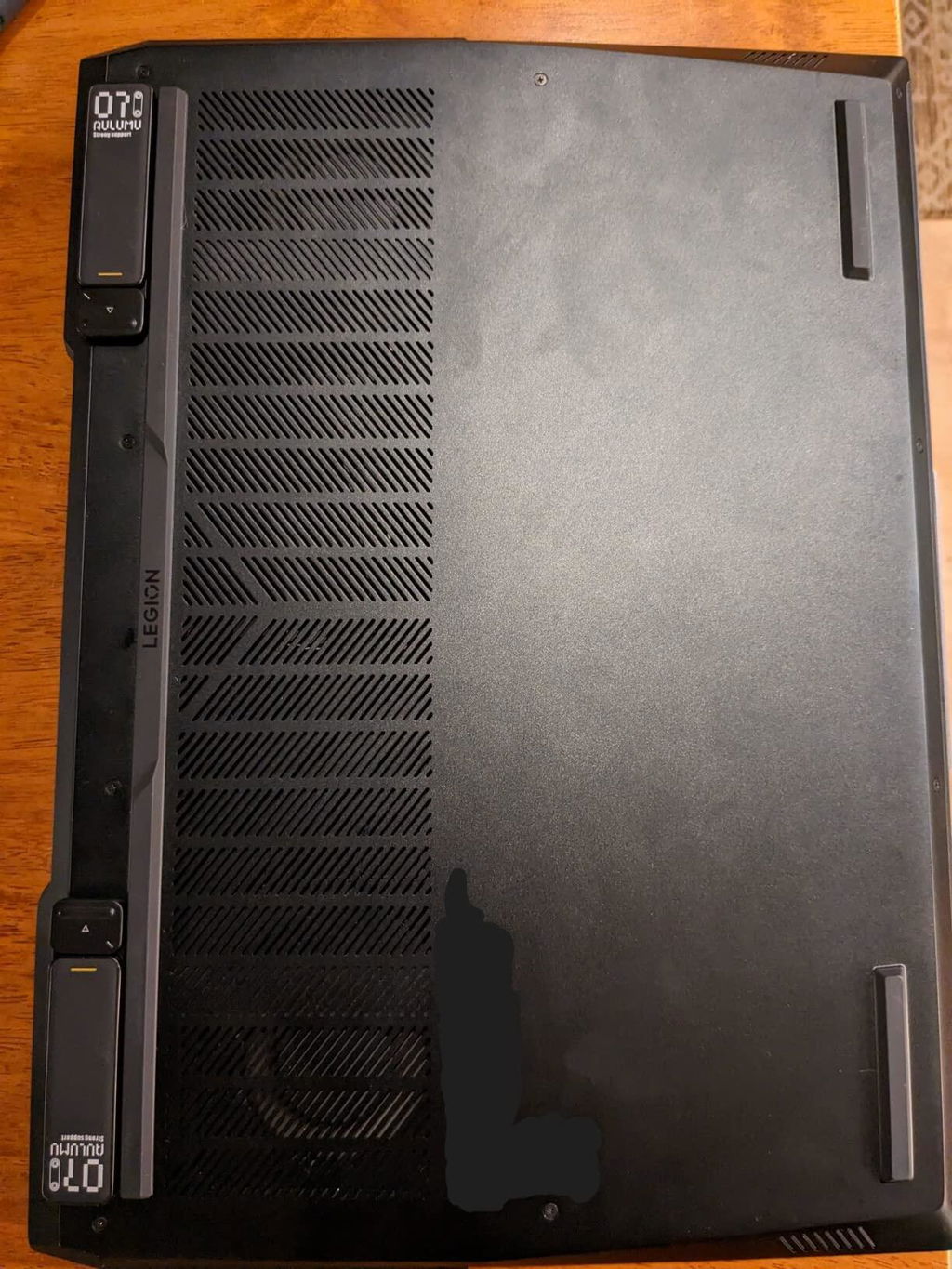
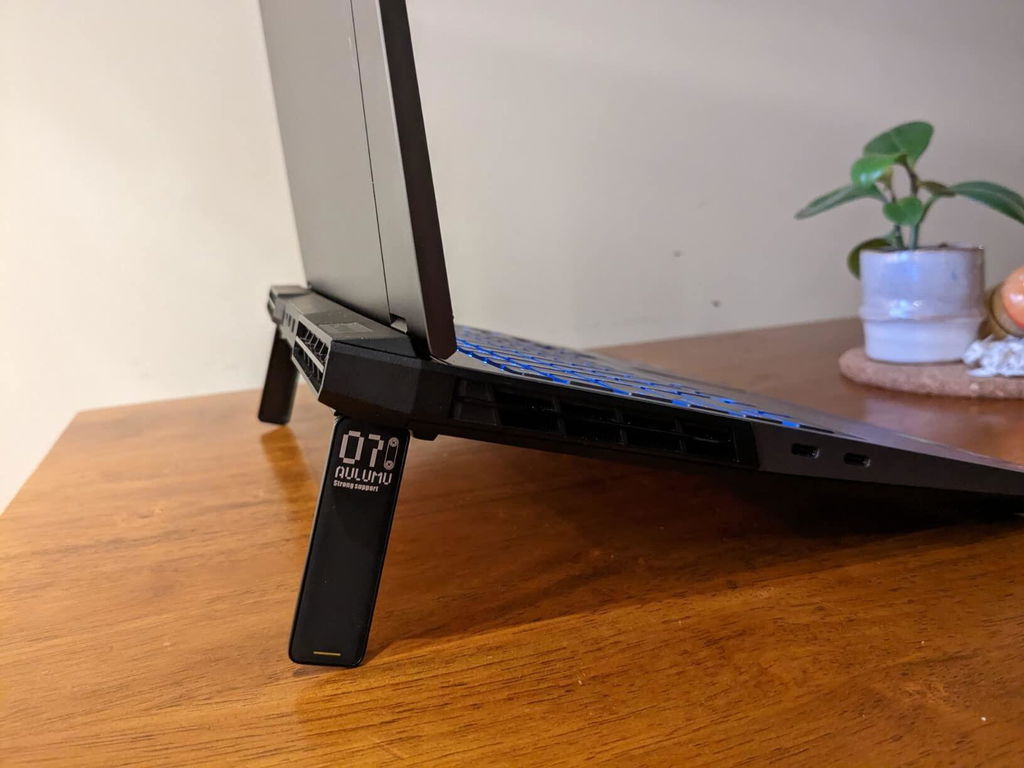
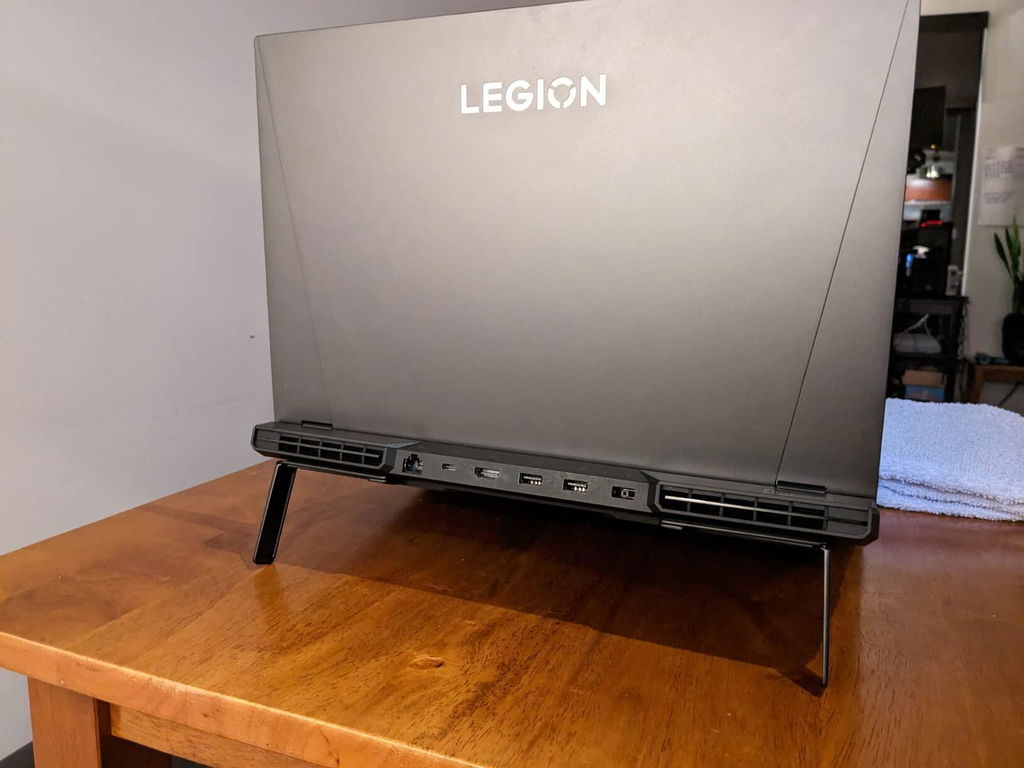
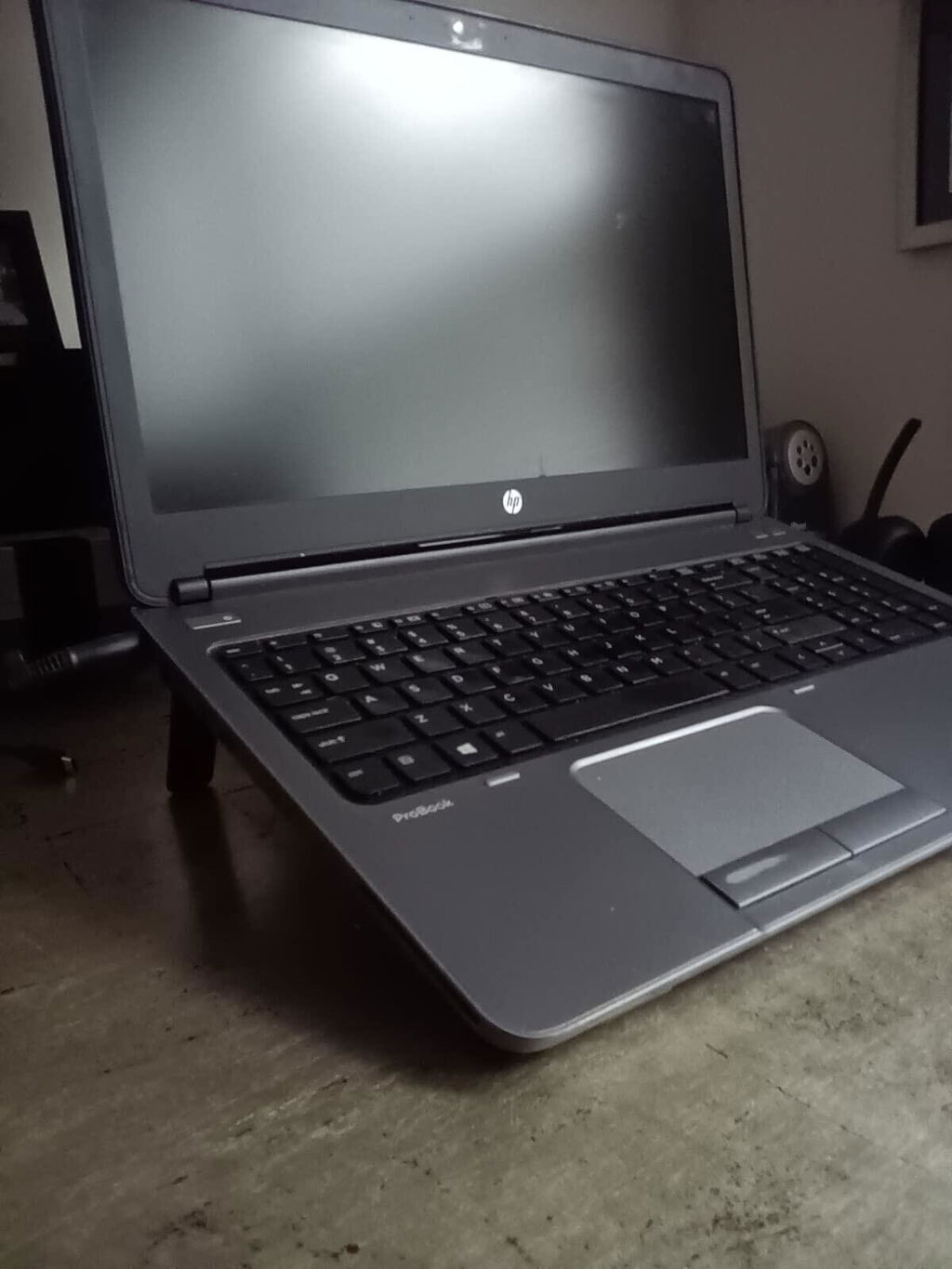
I work from home and am using a laptop almost all the time. This simple product was a gamechanger. This is a dramatic change in comfortability with the tilt legs. Very ergonomical and wish I did this years ago.The product installs in a few minutes and the tilt legs are thick and sturdy.I don't think Ill use a laptop again without these.Highly recommended.
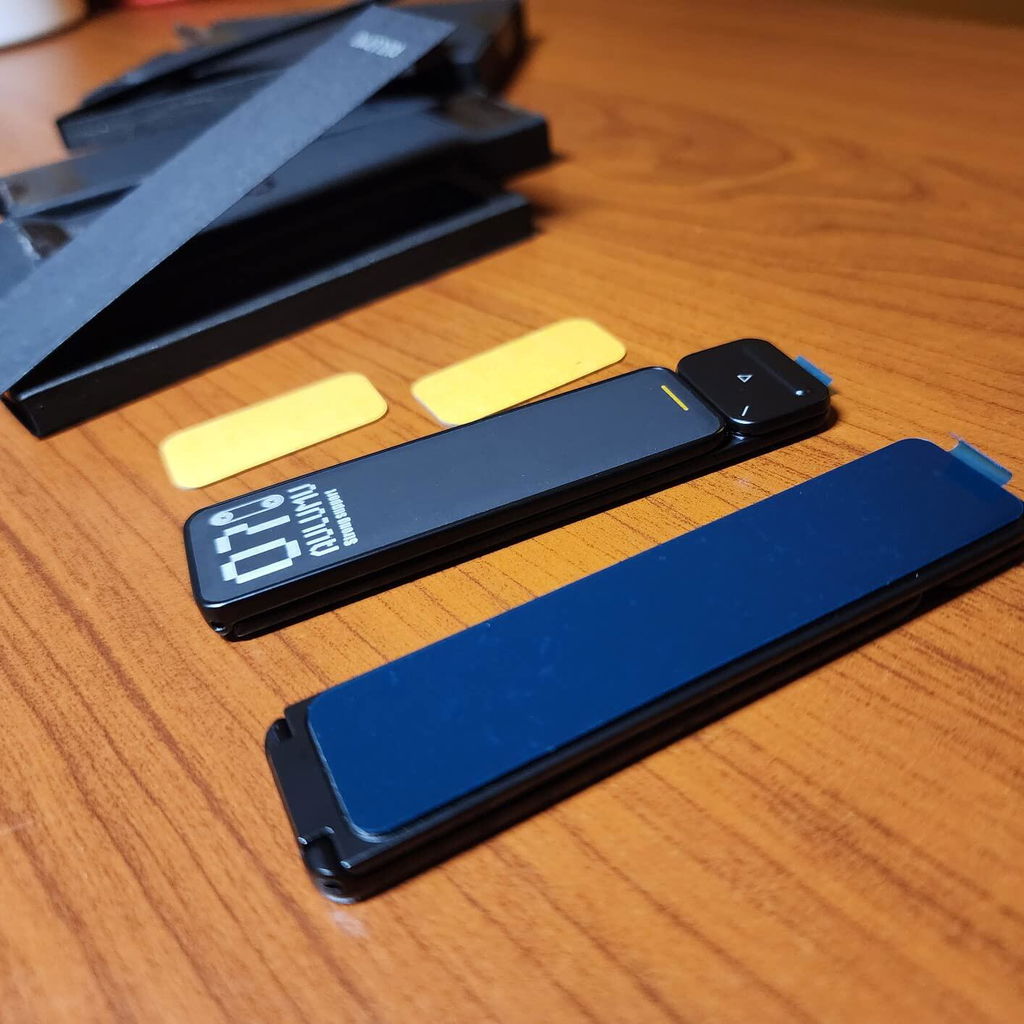
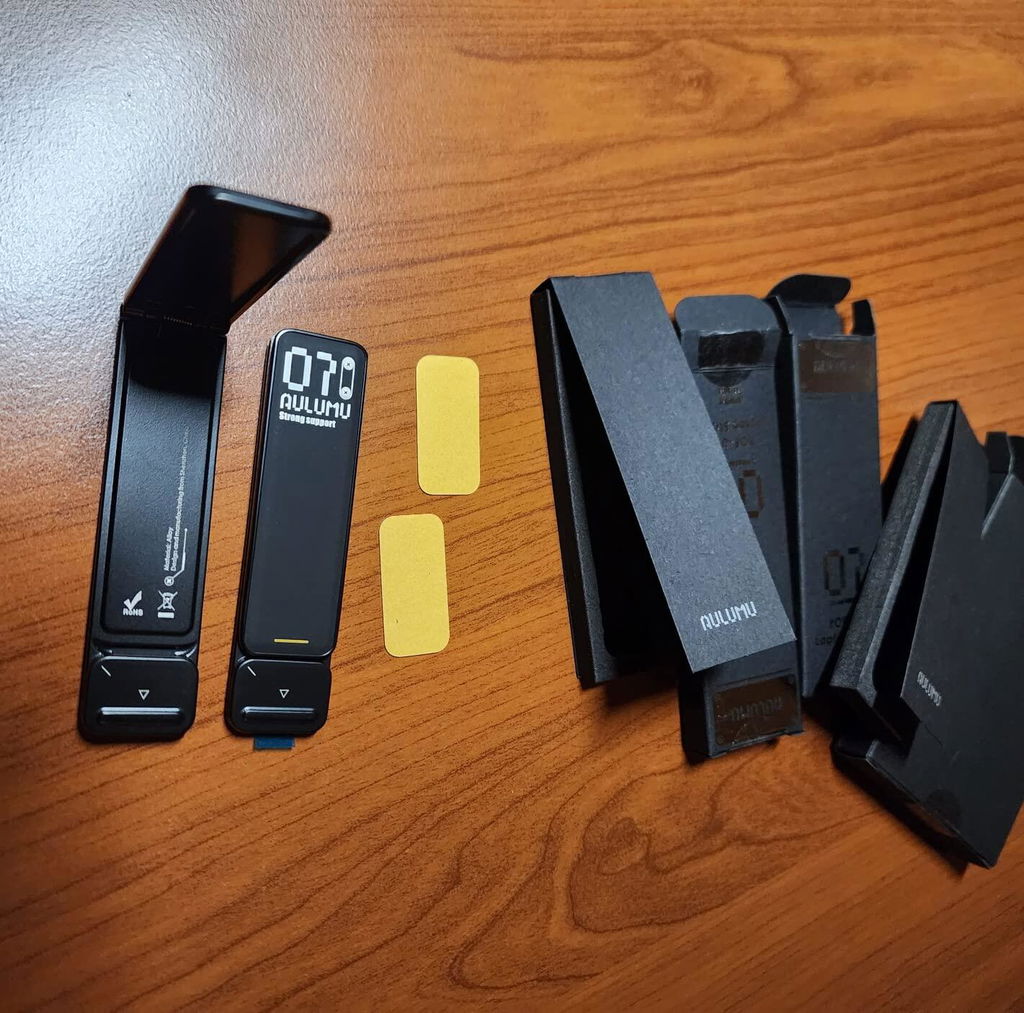
The unboxing experience for 2 stand legs and 2 rubber pads was quite a trip; so many boxes just for 4 tiny little items. If good packaging and unboxing is your kink, these things will give u a quite a ride! But honestly speaking, I would trade all these nice packaging for extra pads and double-sided stickers for the stands.The metal alloy stands feels very premium, stylish, and solid. They are a bit thick and putting it on the back side of a laptop might add some leverage depending on your device. My flat bottom surface laptop was not a good test device for these as they add some height between the back and front, giving it a wobble when I push down on the end part.Since these things does not come with replaceable double sided strips it's a one shot permanent installation. After installation these things works as it should, slide the button to pop out the stand and snap back when done. The springs have some good kick to them as well. They hold up my heavy laptop (~1800g or ~4bs) pretty well and that is a good and bad sign. Good being it's strong and bad being post removal is going to be a pain.For $26 during time of review I honestly can't recommend it to most people because it's too expensive for such little things, you can get 2 portable folding stand for half the price. These things offer convenience but at too steep of a cost imo. If $ is not of concern and you are ok with the one-shot permanent installation then by all means this thing is a good premium novel item. Otherwise I recommend looking for something else unless if these are under $10.
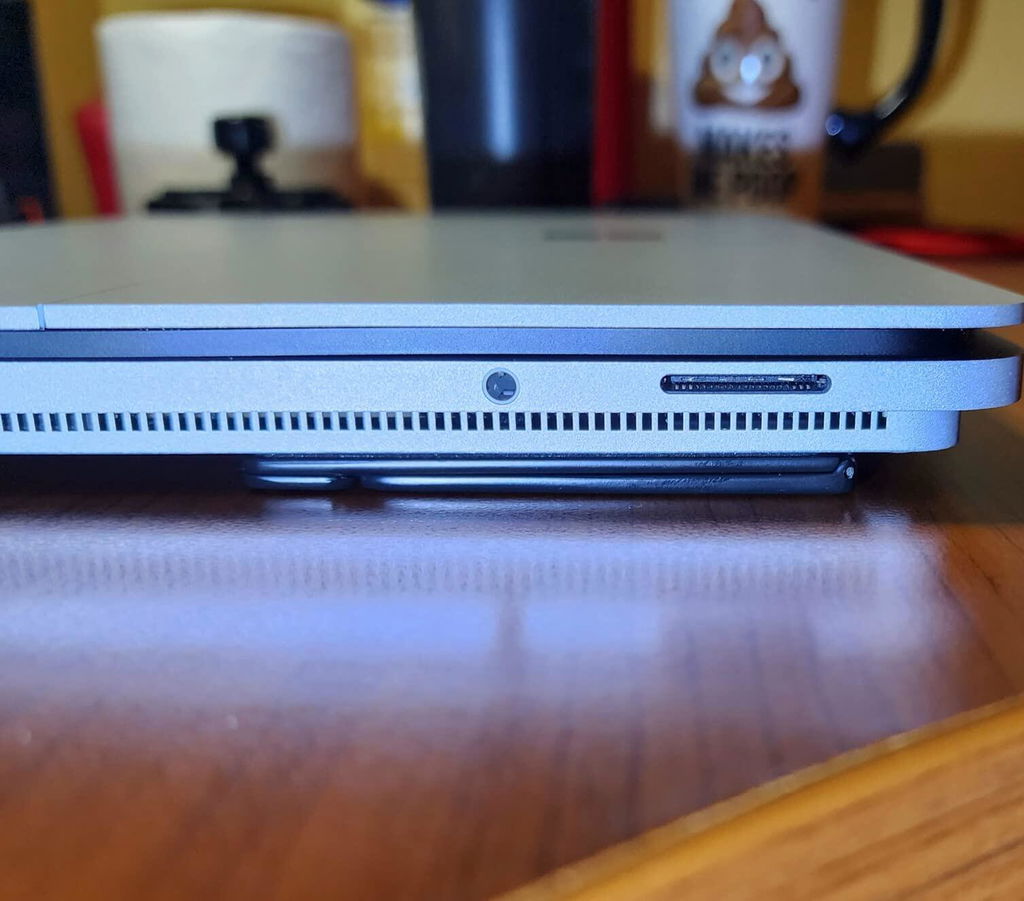
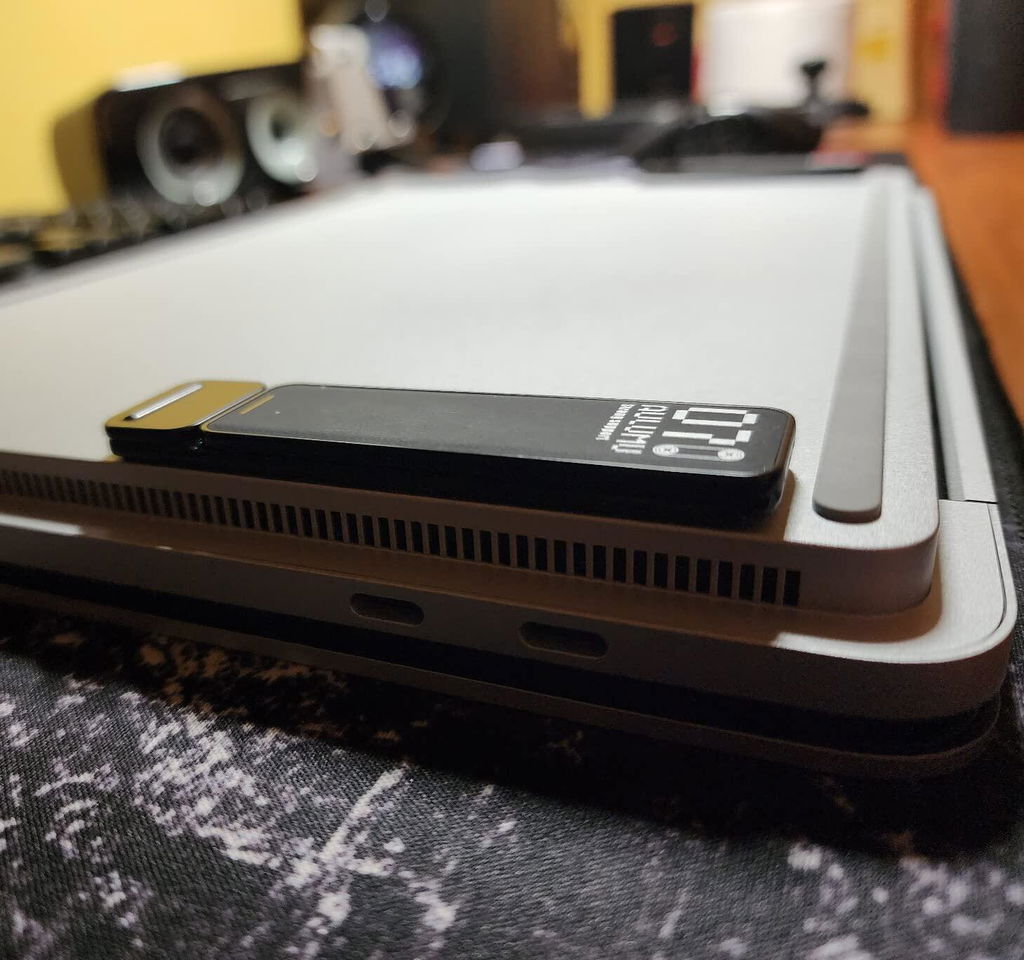
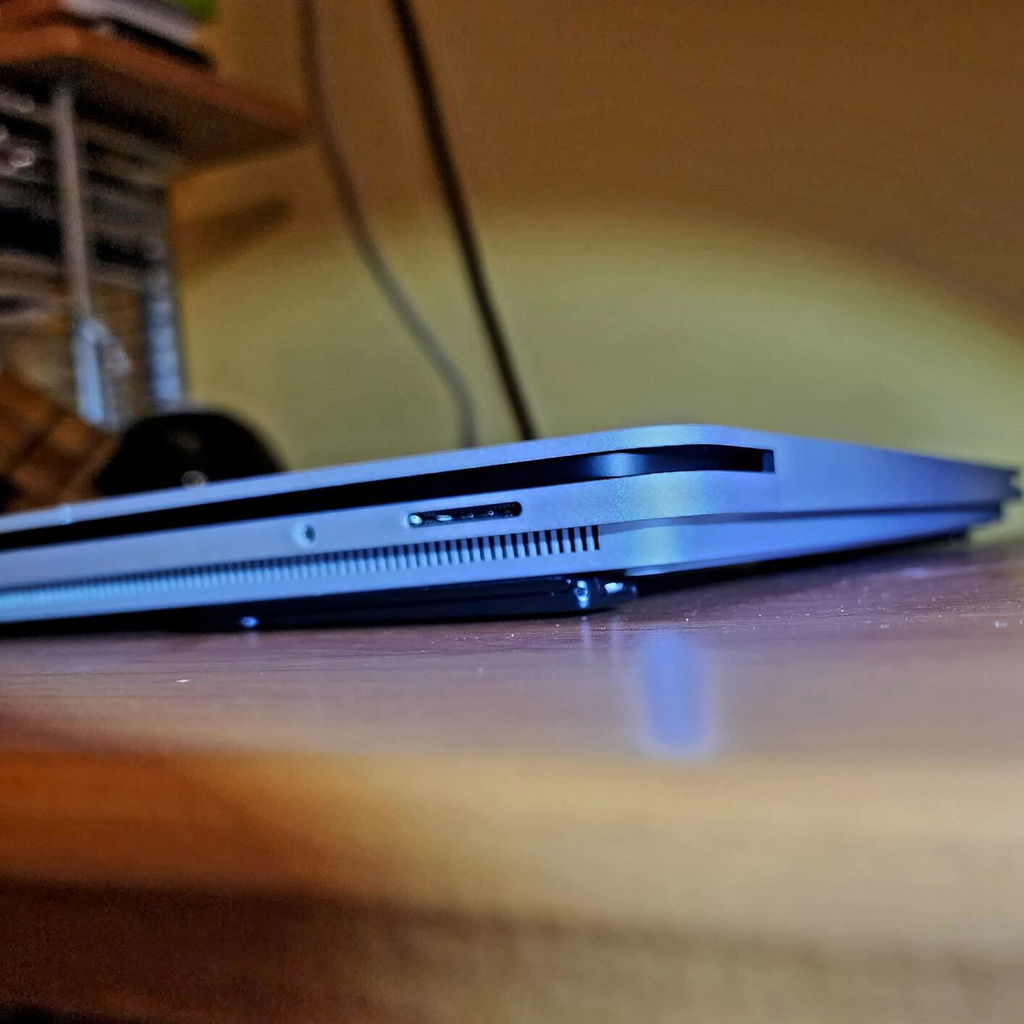
not too intrusive, I think all stand attachments are intrusive to some level - they add bulk to the bottom of the computer or tablet, which can get in the way if you are taking it in and out of a sleeve. Many of them definitely add weight to the computer.
These stands, though, work pretty well. I think they are pretty minimally intrusive - they don't seem to get in the way too much, and don't really add much weight to the computer. On top of all of that they have spring loaded feet that are easy and fun to deploy.
I think you have to make sure the bottom snaps in place when you are not using it. Other than that, they are great.
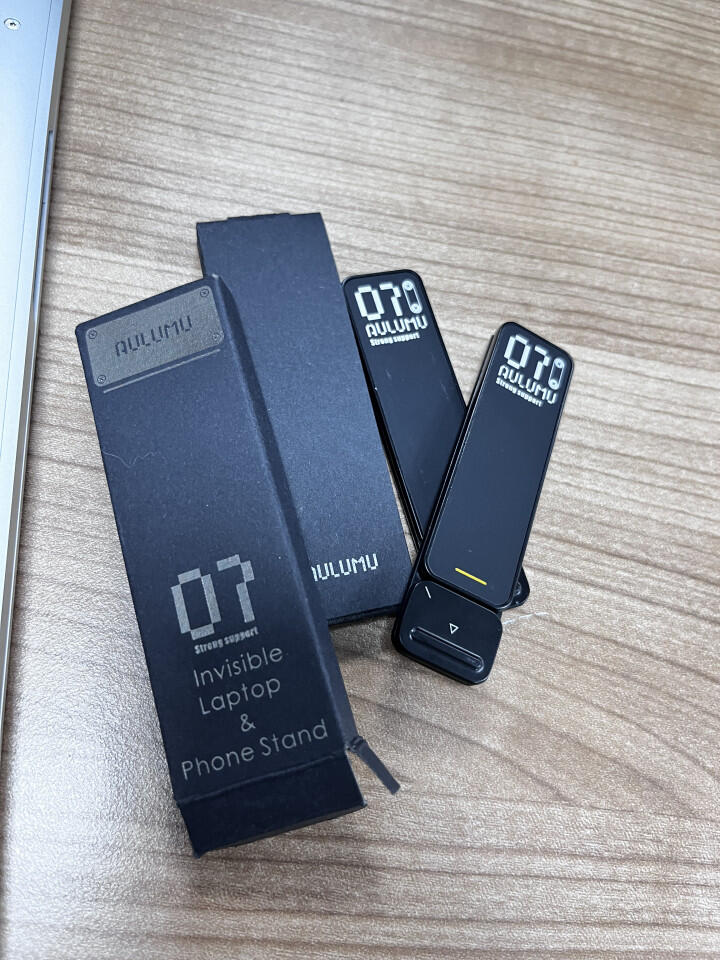
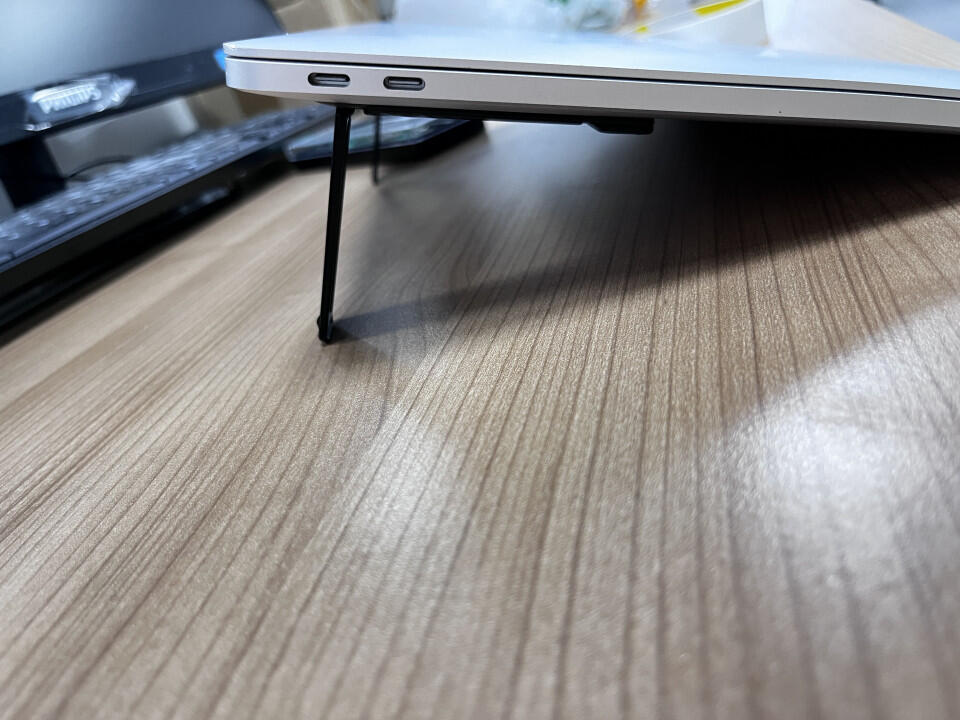
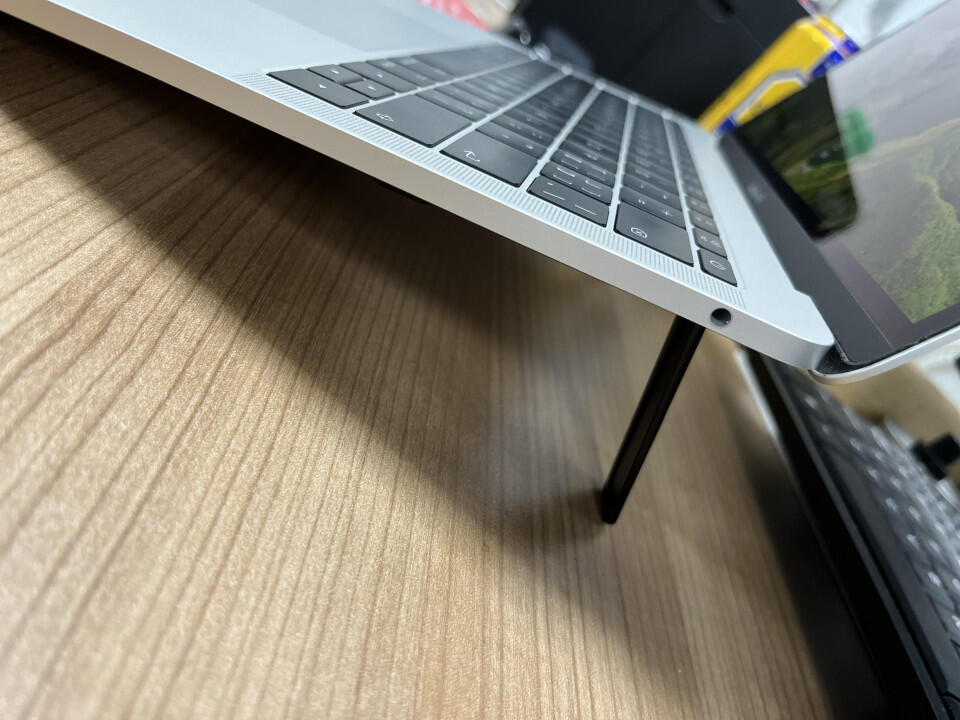
From Thailand
I had use this for my mac book air m4
is cooling to use outside also easy and comfortable and minimal
never found something like this so cool!
From PresidentProk
This laptop kickstand is a great for my daily setup. It lifts the laptop to a comfortable angle. Super slim and easy to carry around too!
works better than expected. the company generously provided more of the rubber sticker pads (for free) when i asked how i could buy more. i mostly use my Macbook Pro on a glass-top table, so i put a pad on the flat back part of the kickstands (when not in use) but also on the front edge of my laptop. works great! but also to my surprise, the company sent me an extra set of kickstands, just 'cause :-)
I recently purchased the G07 Pop Up Leg Stands for use with my MPC Live II and I could not be happier with my decision. These stands are truly awesome and they have exceeded my expectations in every way possible. The build quality is excellent, and they are very easy to set up and use. Furthermore, they provide me with the perfect height and angle for playing my MPC Live II, which has made my music production experience much more comfortable and enjoyable.
High quality workmanship. No plastic, all metal design. This was easily installed on my apple Magic Keyboard to help with giving it a little lift to help with wrist fatigue during extensive typing. Easily installs with adhesive tape. Clips closed and pops up with a push of a button where the kickstand is spring loaded. Low profile when closed and provides about 2 inches of lift at this highest point. Check out the video so see this premium product in action.
Hi, Ia??m wondering if the part of the open riser in contact with the table is covered with rubber or not.
Thanks in advance
Yes, it comes with separate non-slip pads in the package that you can attach for extra stability.